Understanding What X-Invoice Errors Actually Mean
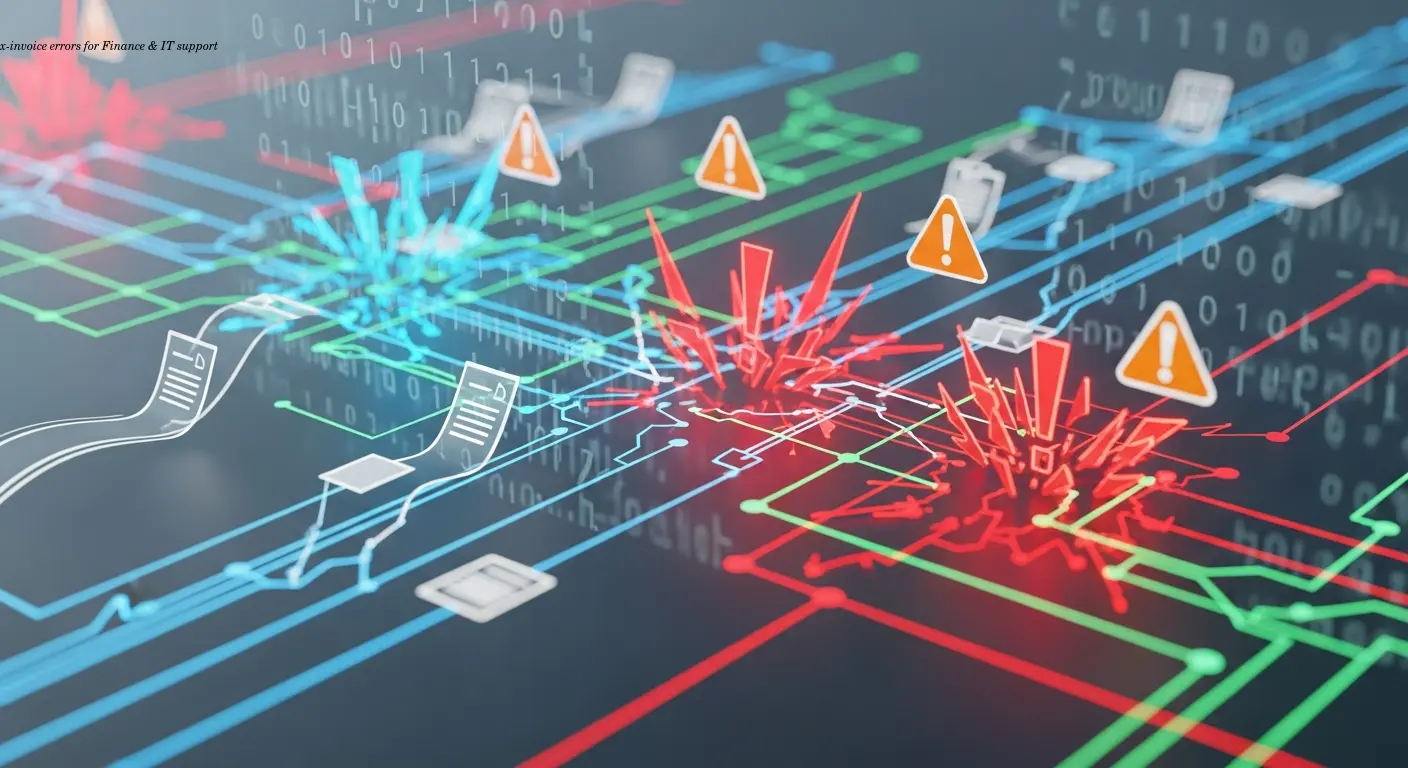
X-Invoice errors are technical validation failures in your XRechnung XML files. These are structural and semantic issues that lead to automatic rejection by recipient systems, not simple accounting mistakes like a wrong amount.
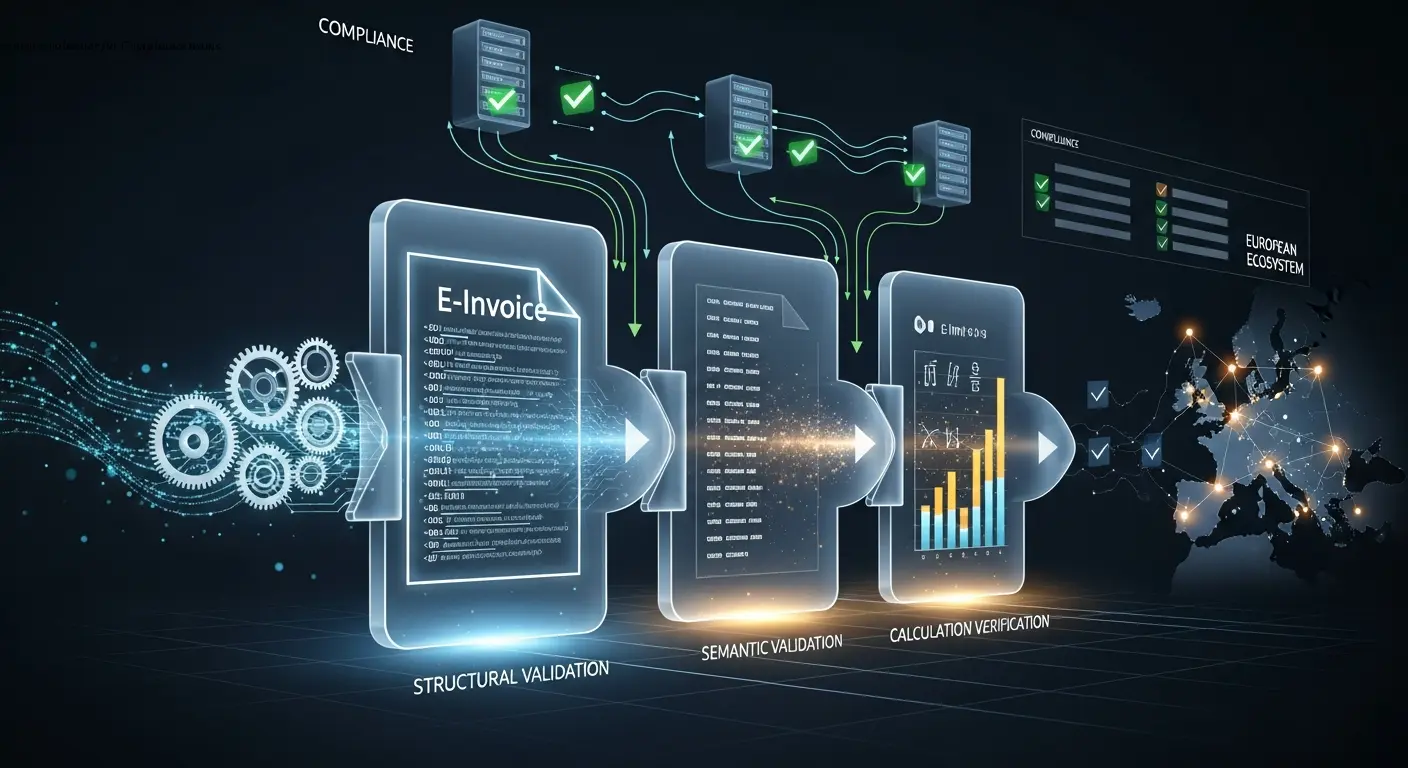
From experience with German finance teams, invoices often look correct on-screen but fail in XML because the ERP export doesn't meet the strict XRechnung schema. Errors commonly appear at three stages: generation, transmission (PEPPOL or national portals like ZRE), and recipient-side validation. Each stage adds its own rules, so passing one check doesn't guarantee acceptance later.
Rejected invoices delay payment and can damage relationships—I've seen thousands of euros held up because an ERP exported a non-standard unit code. If the source was a PDF conversion, see our X-Invoice from PDF troubleshooting guide.
The Seven Categories of Common X-Invoice Validation Errors
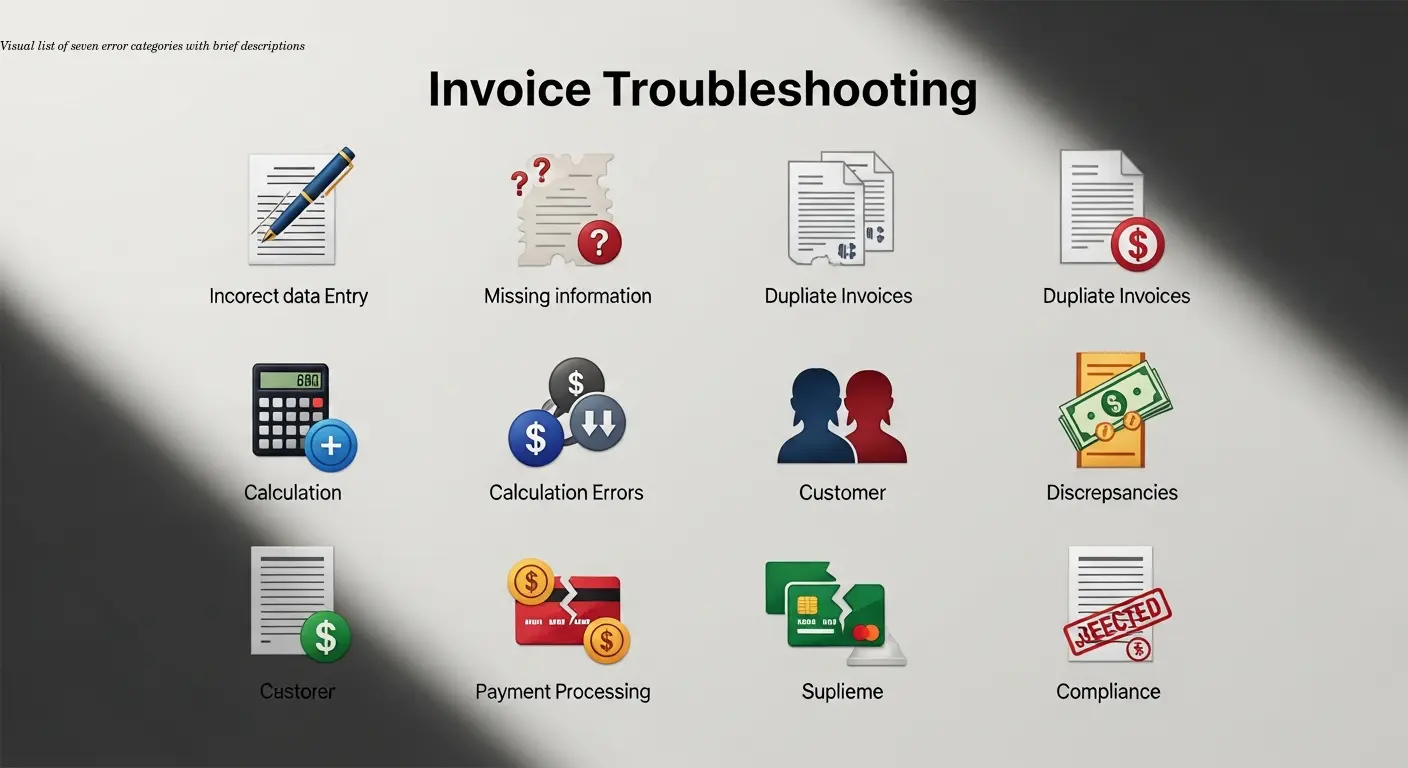
You can group most failures into seven categories:
1. Structural and schema errors
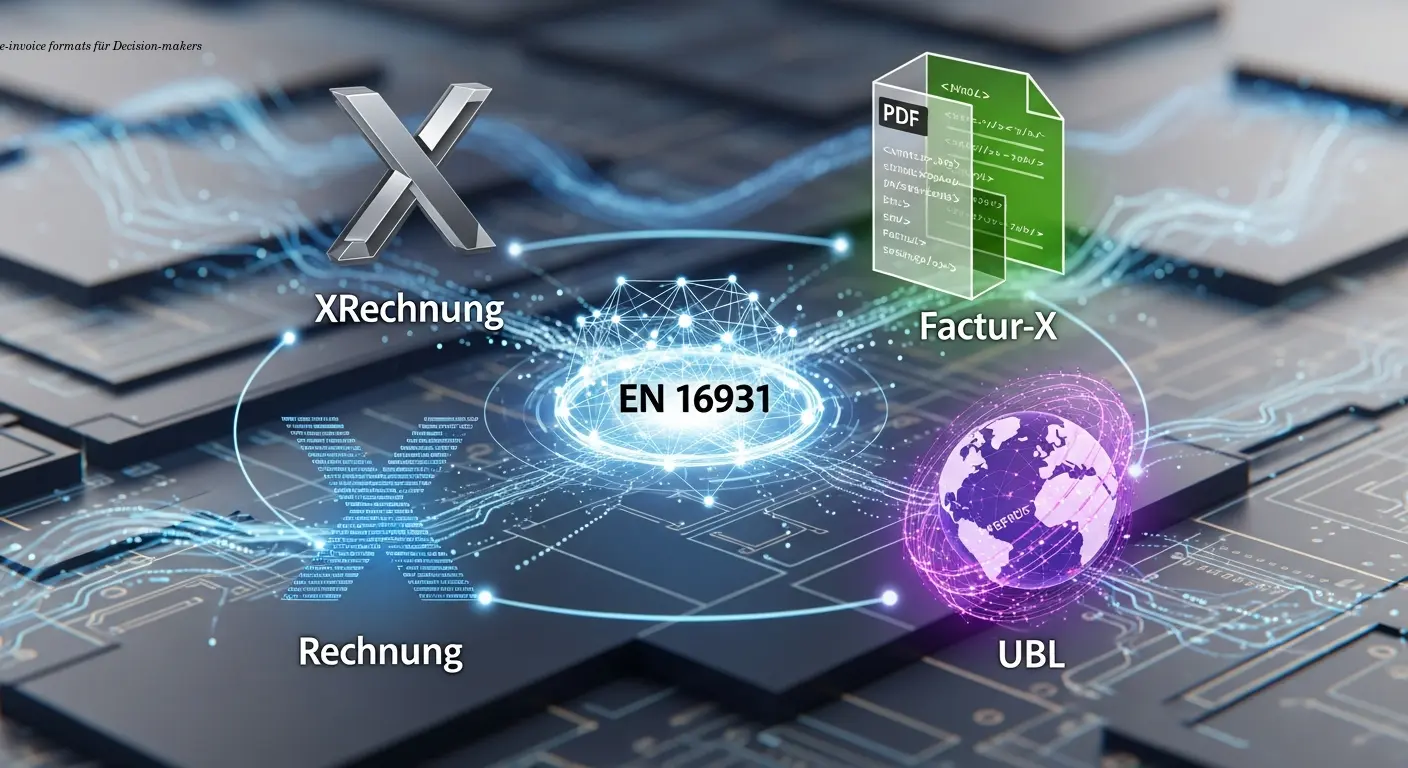
XML must be well-formed and match the XRechnung schema exactly — so it helps to understand e-invoice formats first. A misplaced tag or missing namespace will cause immediate parsing rejection.
2. Missing mandatory fields
Required data includes supplier/buyer details, invoice number, issue date, currency, at least one line item, payment terms, and tax info. Incomplete master data in ERPs is the usual culprit.
3. Invalid or inconsistent data
Dates must be YYYY-MM-DD, currency codes ISO 4217, country codes ISO 3166. Amounts must sum correctly; even a one-cent rounding difference can fail validation.
4. Code list violations
Internal codes (e.g., "STK" or "ea") must be mapped to standardized values (e.g., UNECE "C62"). Maintain mapping tables to prevent leaks of proprietary codes into the XML.
5. Business rule violations
Portals and public entities require platform-specific fields like Leitweg-ID, order numbers, or contract references. These are often enforced beyond the base XRechnung standard.
6. Transport and integration errors
Transmission issues—expired certificates, auth failures, or AP credential problems—block delivery even when the XML is valid.
7. Duplicate document numbers
Portals detect duplicates for the same buyer. Corrections require credit notes referencing the original, then a new invoice with a fresh number.
Step-by-Step Troubleshooting Process for X-Invoice Failures
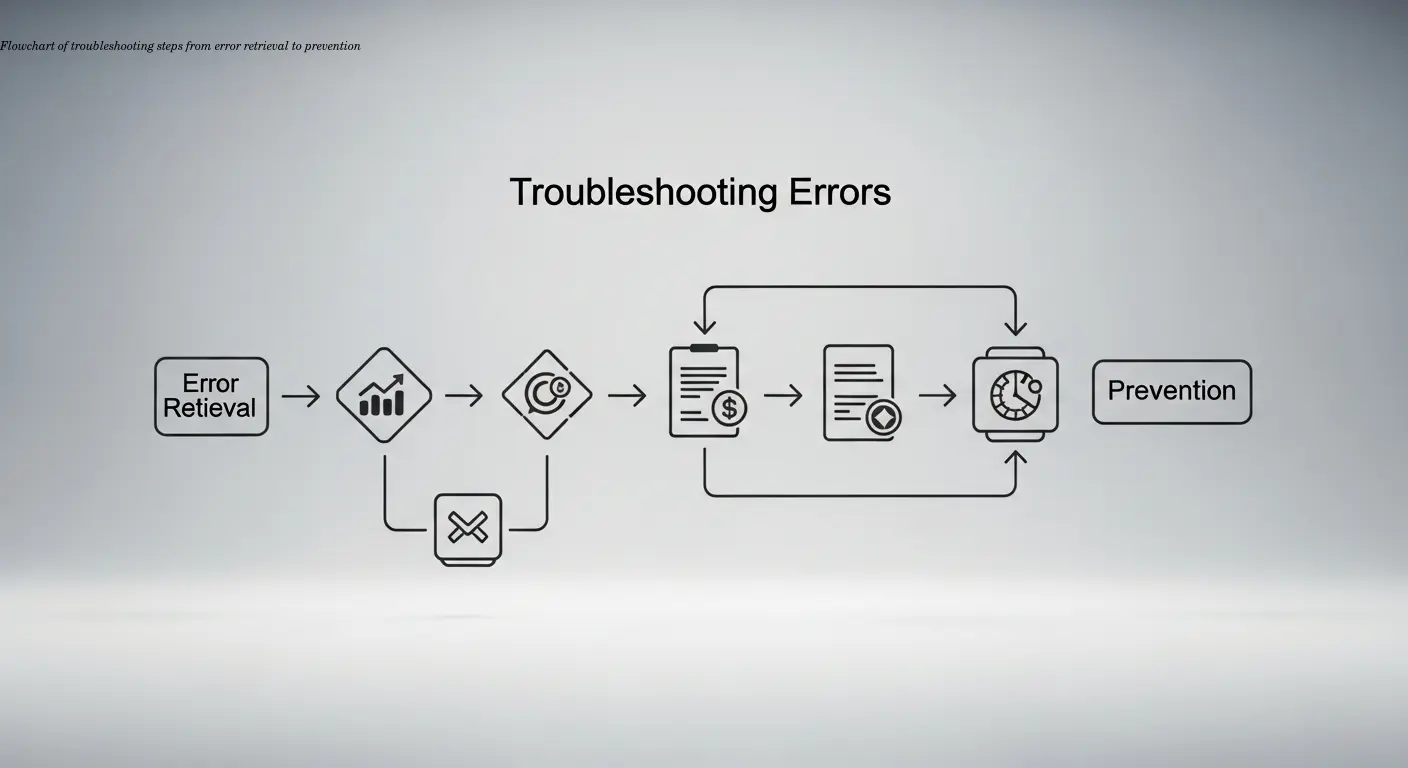
- Obtain the exact error message — include the technical code and XML position. Check ERP logs, e-invoicing output, and portal messages.
- Validate against the official XRechnung validator — use KoSIT's validator or your provider's tool to get Schematron rule failures.
- Classify the error type — structural, missing data, calculation, code mapping, or transport.
- Correct the data at source — update ERP master data and mappings, then regenerate the X-Invoice.
- Resubmit and monitor acknowledgments — watch both synchronous and asynchronous status updates until explicit acceptance.
- Analyze root causes for recurring failures and fix the process, not just individual invoices.
Tip: never rely solely on manual XML edits—fix the source and automate where possible.
Real-World Error Scenarios and Their Solutions
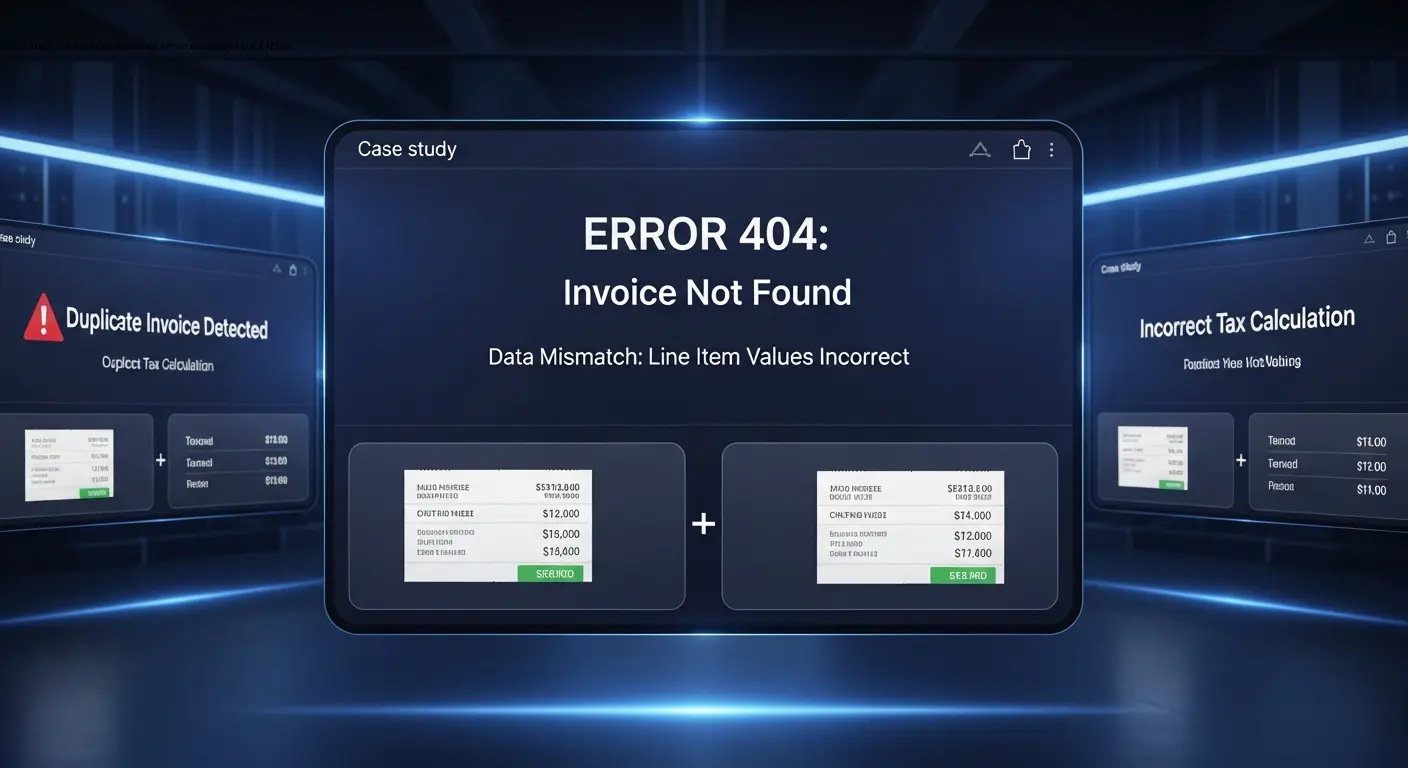
Buyer reference and Leitweg-ID errors
Portals commonly return "unknown routing ID" or "buyer reference mandatory." Get the exact Leitweg-ID or order reference from the contracting authority and map it to the BuyerReference or ProjectReference element in your ERP.
Tax calculation and VAT errors
Watch for messages like "tax total does not equal sum of line tax amounts." Verify rounding and that tax category codes match the German VAT scenarios. Middleware scripts that round to whole euros instead of two decimals are a frequent hidden cause.
Invalid code errors
Map internal units and payment codes to official lists; maintain these mappings as standards change.
Document number conflicts
If a portal flags a duplicate number, check whether the invoice was already processed. For corrections, issue a credit note referencing the original, then send a corrected invoice with a new number.
Locked accounting periods
Closed periods can prevent posting and therefore block e-invoicing flows. Temporarily opening the period or changing invoice dates (if policy allows) resolves this.
Building a Prevention Strategy to Reduce Future Errors
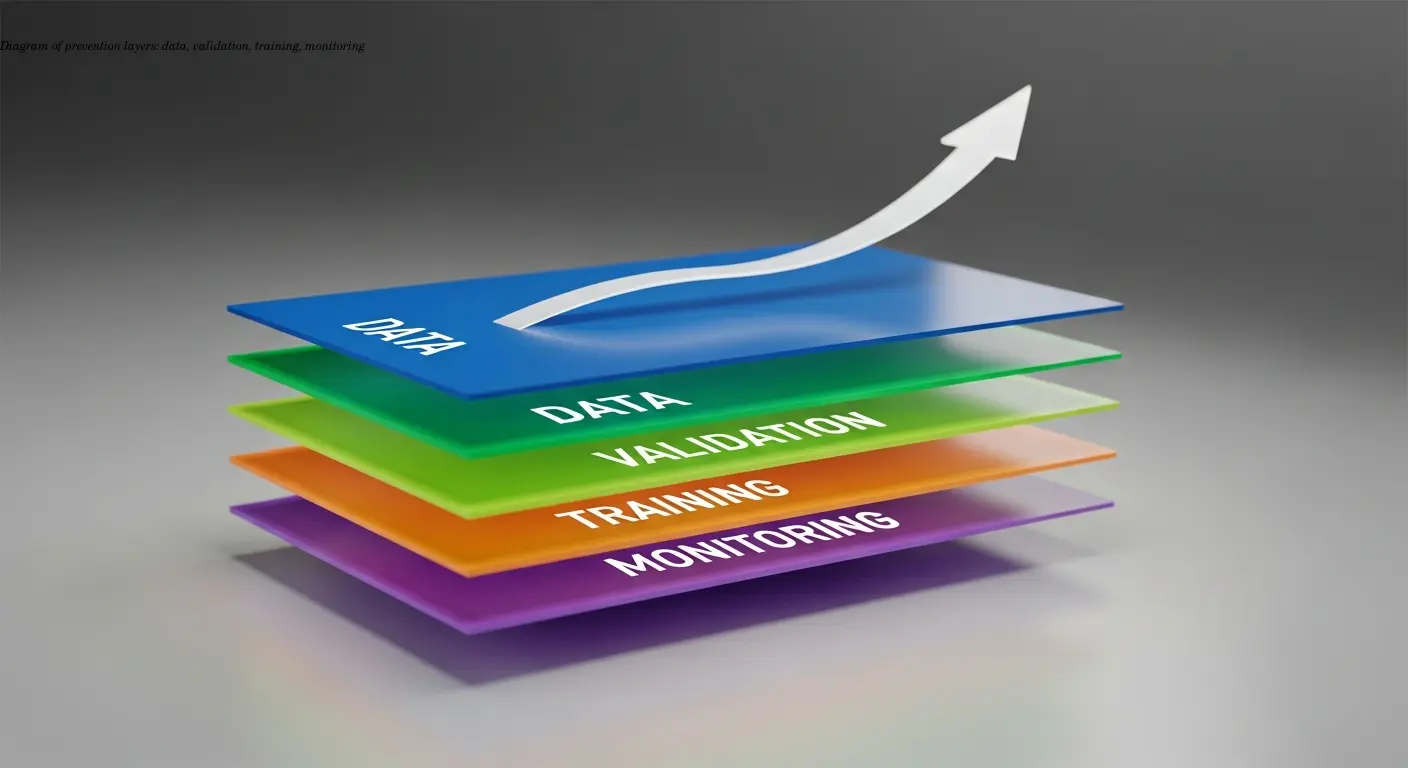
Standardize master data — ensure VAT IDs, tax numbers, buyer references, and addresses are complete. Add ERP validation rules to prevent saving incomplete records.
Automate early validation — integrate XRechnung validation in the invoice creation workflow so you can fix EN 16931 validation errors while invoices are still drafts.
Implement internal approval workflows for public clients to verify required references and attachments before submission.
Keep configuration and code lists current — subscribe to KoSIT update notifications and maintain mapping tables.
Monitor error statistics — track failing rules, problematic customers, and user patterns to target training and process fixes.
Quick Checklist Before Sending Any X-Invoice
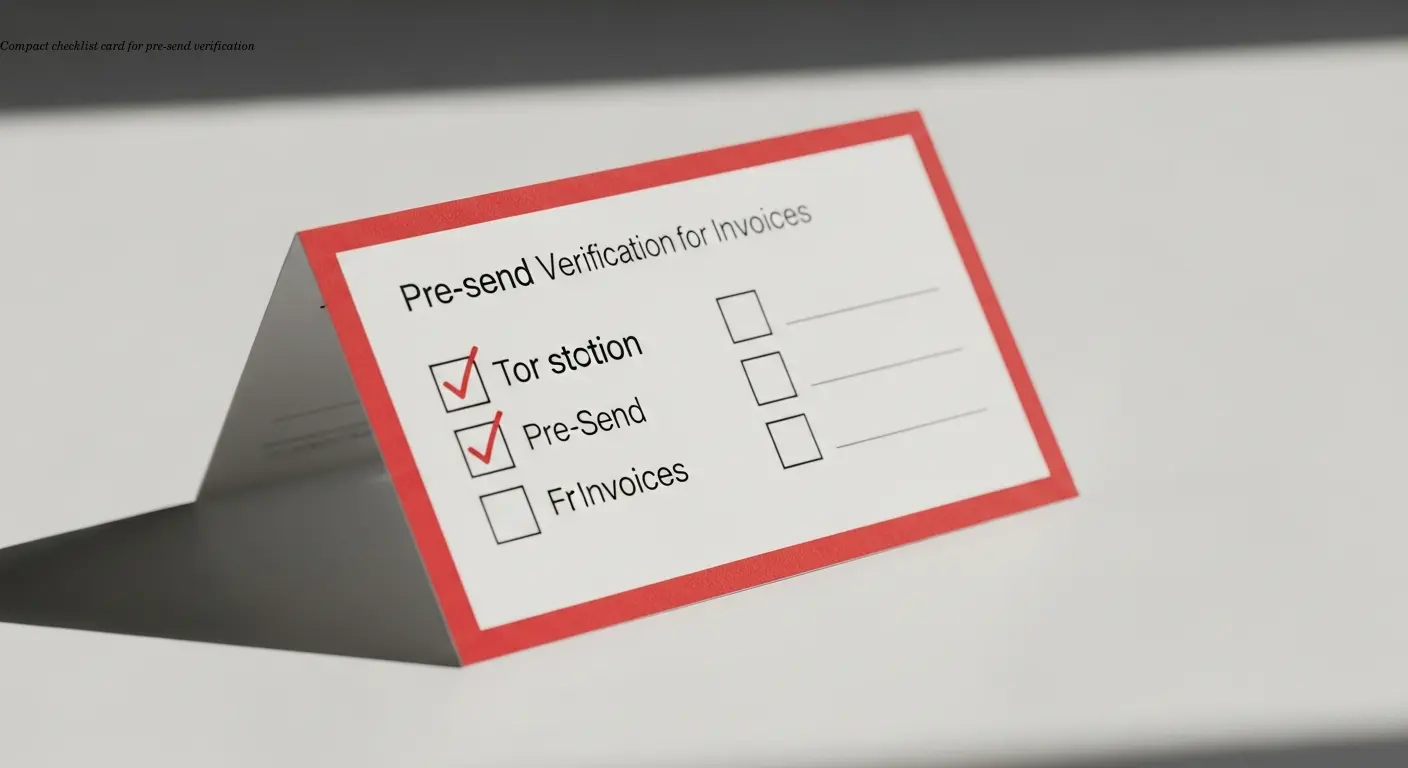
- Check mandatory header data: supplier & buyer details, invoice number, issue date (YYYY-MM-DD), currency (ISO 4217), payment terms.
- Verify taxes & totals: ensure line totals, VAT calculations, and gross/net totals reconcile with correct rounding.
- Validate all codes: units (UNECE), tax categories, payment means, country codes (ISO 3166).
- For public customers: confirm Leitweg-ID and exact order/project references.
- Run the official XRechnung validator before submission and resolve any errors.
Choosing the Right Tools to Minimize X-Invoice Errors
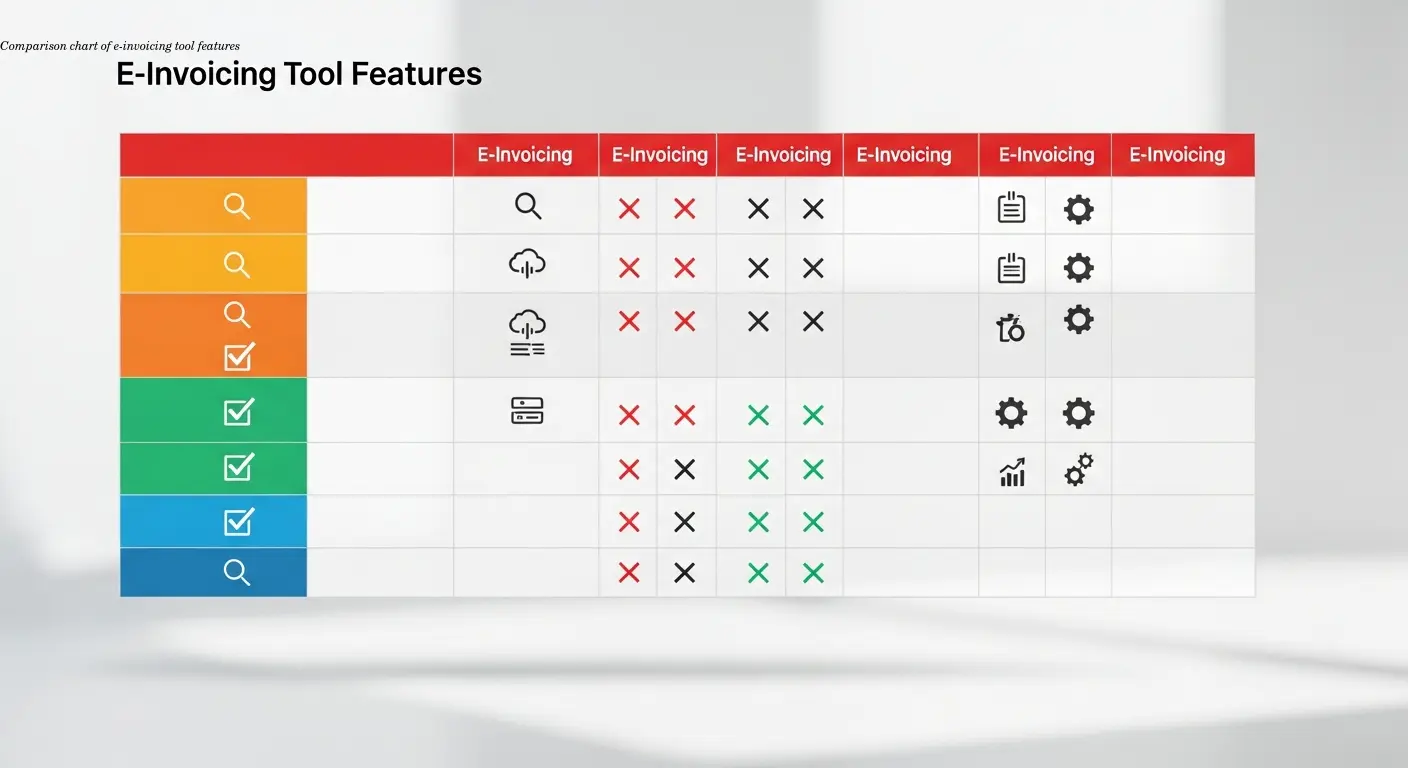
A purpose-built e-invoicing platform significantly reduces errors by handling formatting, mapping, validation, and submission. Look for:
- Integration capabilities — pre-built connectors to your ERP and transmission channels (PEPPOL, ZRE).
- Early and comprehensive validation — real-time checks against XRechnung schemas and business rules.
- Clear error reporting — pinpoint the exact field and rule violated with suggested fixes.
- Responsive support and documentation — vendors that keep pace with regulatory updates.
Platforms designed for EU e-invoicing handle compliance automatically; for example, e-rechn.de generates XRechnung files with correct mappings and validations built in.