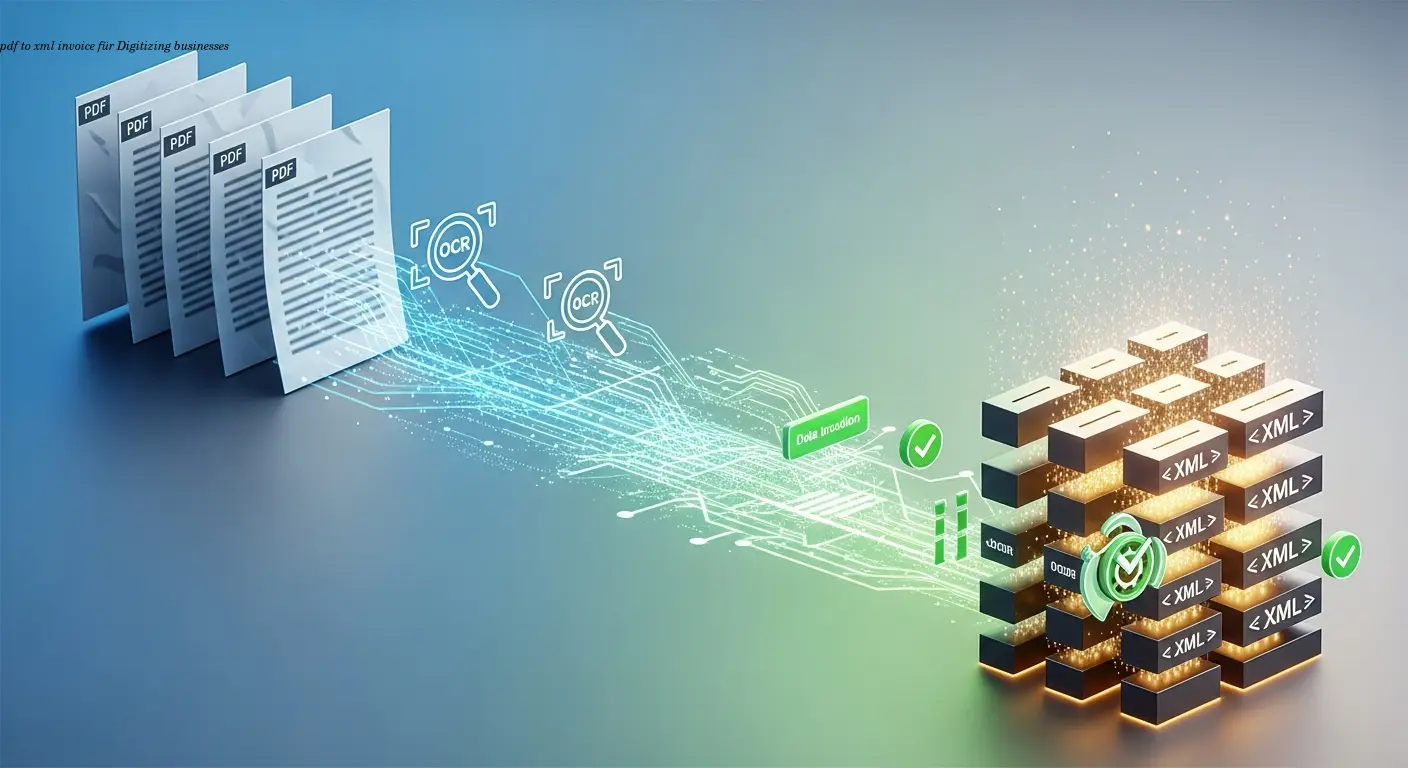
Practical pdf to xml invoice Migration for Businesses
How to Migrate from PDF to Structured XML: A Practical Guide for Digital Businesses
Estimated reading time: ~10 minutes
- PDF invoices aren't true e-invoices — they're human-readable but not structured for automated processing. See our e-invoice format comparison for structured alternatives.
- XML invoice standards (UBL, Peppol BIS, ZUGFeRD/Factur‑X) enable validation, automation, and ERP integration.
- OCR + data capture is the core tech to extract data from PDFs before mapping to XML.
- Validation & data quality are critical — missing tax IDs, calculation mismatches, or poor OCR cause rejections.
- Phased migration — pilot high-volume suppliers and use hybrid formats where needed.
Understanding the PDF vs. XML Invoice Divide
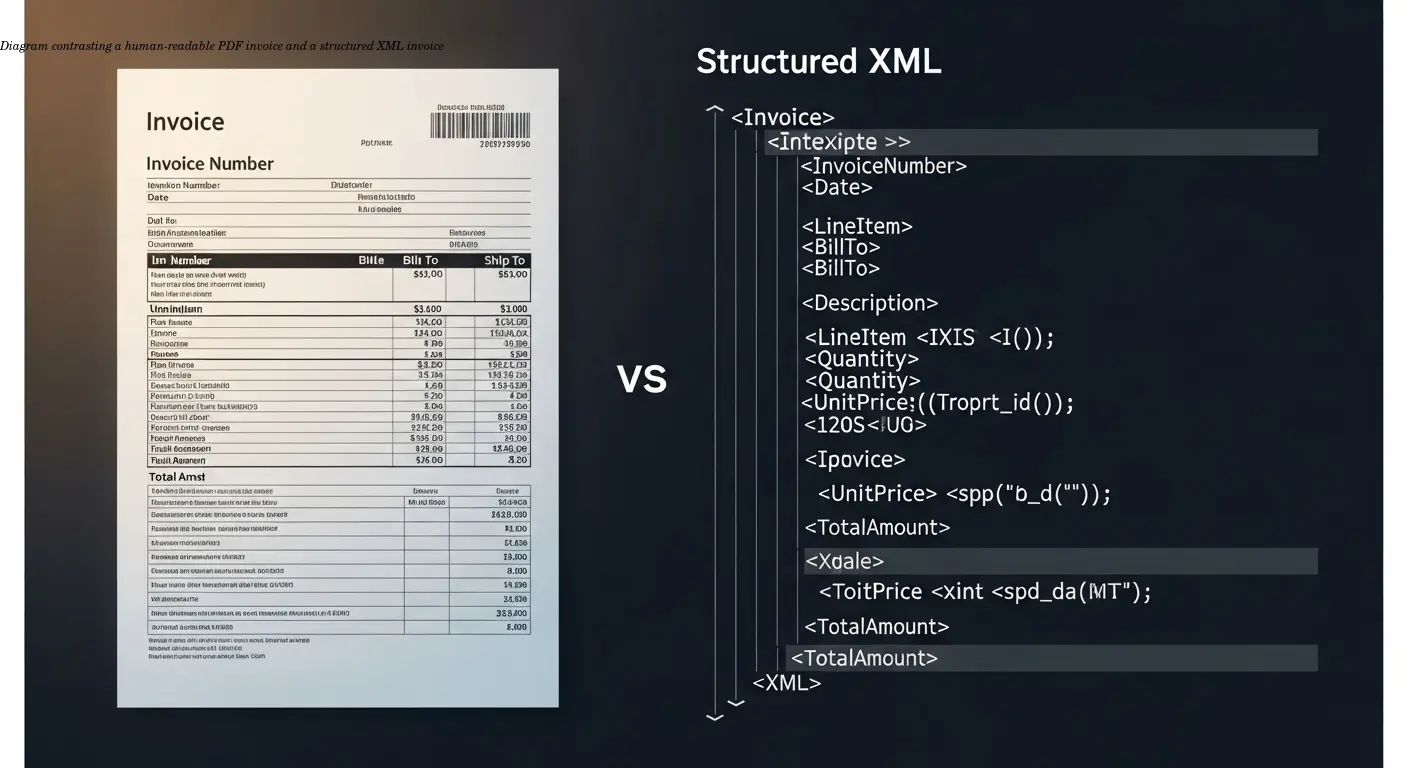
Summary: A PDF invoice is essentially a visual representation — great for humans, poor for machines. A structured XML invoice (e.g., UBL/Peppol) encodes each data element so systems can validate, match, post, and pay automatically.
Real-world impact: I worked with a logistics firm processing ~500 PDF supplier invoices per month. Their AP team spent ~15 minutes per invoice; an 8% error rate generated 125 hours of extra work monthly. Structured XML would have automated most of that work.
Key operational differences:
- PDF: human-readable, layout-focused, requires OCR to extract data.
- XML: machine-readable, schema-validated, integrates with ERP and Peppol/Government portals.
Regulatory pressure in Europe is accelerating mandates for XML e-invoicing (B2G and increasingly B2B). For a practical starting point, see our overview on how to make an X-Invoice from PDF (overview). If you’re still PDF-first, plan a robust pdf to xml invoice strategy now.
Key XML Invoice Standards You Need to Know
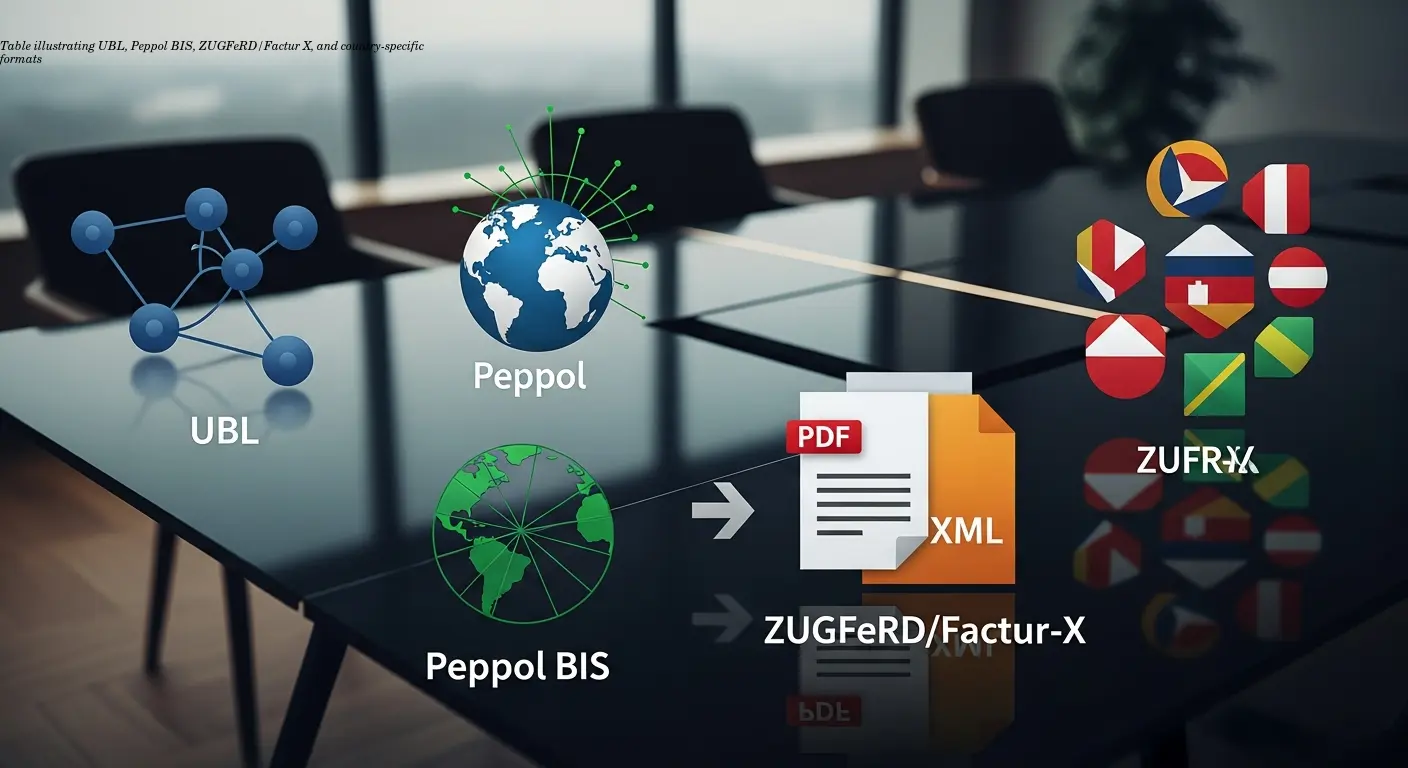
Choose the right xml invoice standards for your geography and trading partners. High-level options:
- UBL (Universal Business Language) — widely adopted, basis for EN 16931; common for EU B2G and Peppol.
- Peppol BIS — UBL profiles plus business rules for cross-border exchange via the Peppol network.
- ZUGFeRD / Factur‑X — hybrid PDF/A‑3 + embedded XML ideal for transitional customer bases in Germany/France.
- Country-specific formats — XRechnung (Germany B2G), FatturaPA (Italy), CFDI (Mexico), each with validation rules.
Tip: build your data model around EN 16931 where possible — it defines the European core invoice elements and simplifies multi-country support.
Be wary of generic PDF-to-XML exporters that create layout XML instead of semantic invoice XML. For compliant output, use converters designed to map to UBL/Factur‑X/XRechnung — for example platforms like e-rechn.de that automate mappings and meet EN 16931.
Building Your PDF to XML Conversion Pipeline
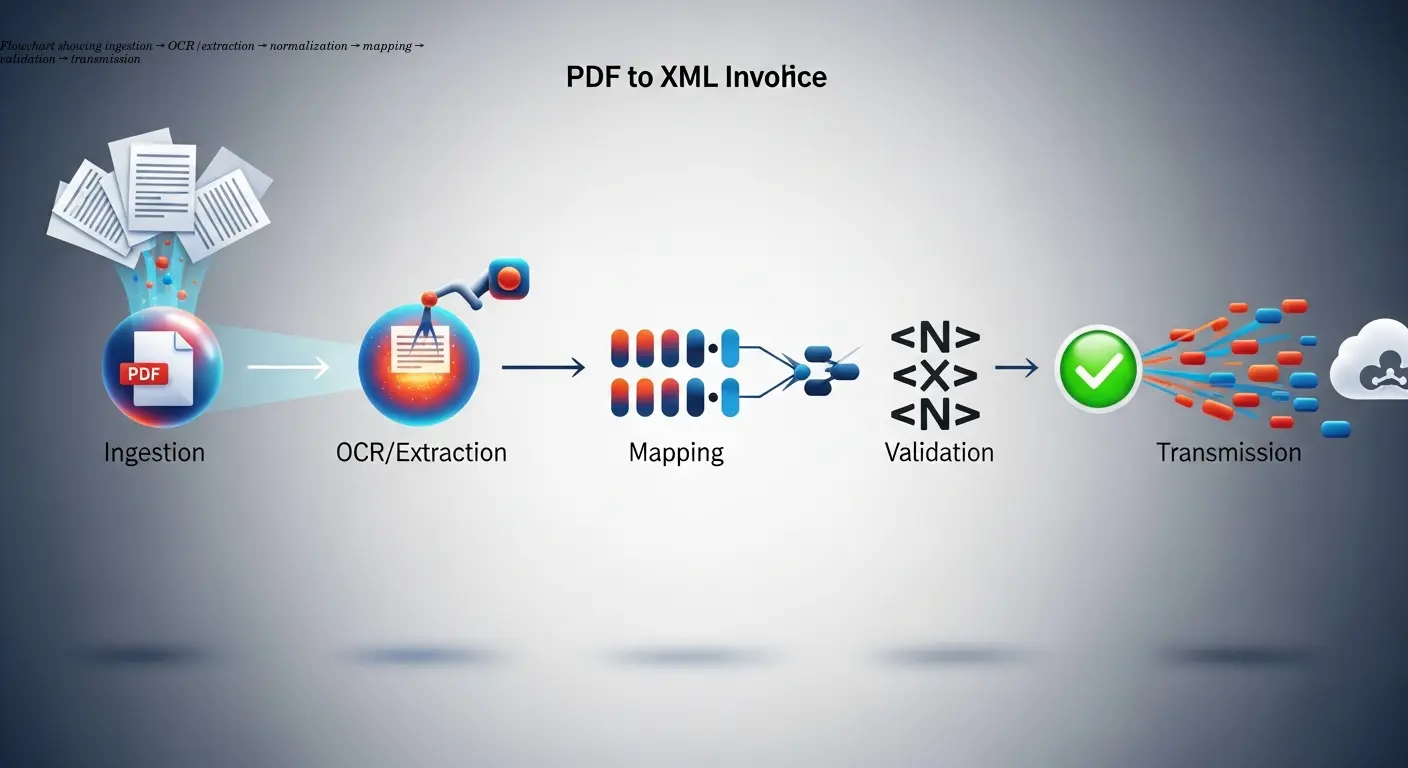
An effective pipeline has five core stages:
- Ingestion — collect PDFs from email, portals, SFTP, cloud folders, or scanners. Automate collection to scale.
- OCR & Data Capture — AI models extract header fields, line items, tax breakdowns and payment info. Use template‑free models for multi-layout support.
- Normalization & Enrichment — standardize supplier names, validate VAT IDs, enrich missing fields from master data.
- Mapping to XML Schema — transform normalized data into UBL, Factur‑X, XRechnung, etc., using correct elements, nesting and code lists.
- Validation — schema checks and business rule checks (totals, tax IDs, mandatory elements) before transmission.
Note: Extraction typically yields JSON which you then map to XML. Quality OCR is essential: a misread decimal or VAT rate will fail downstream validation.
Practical Steps for Migration: From Strategy to Execution
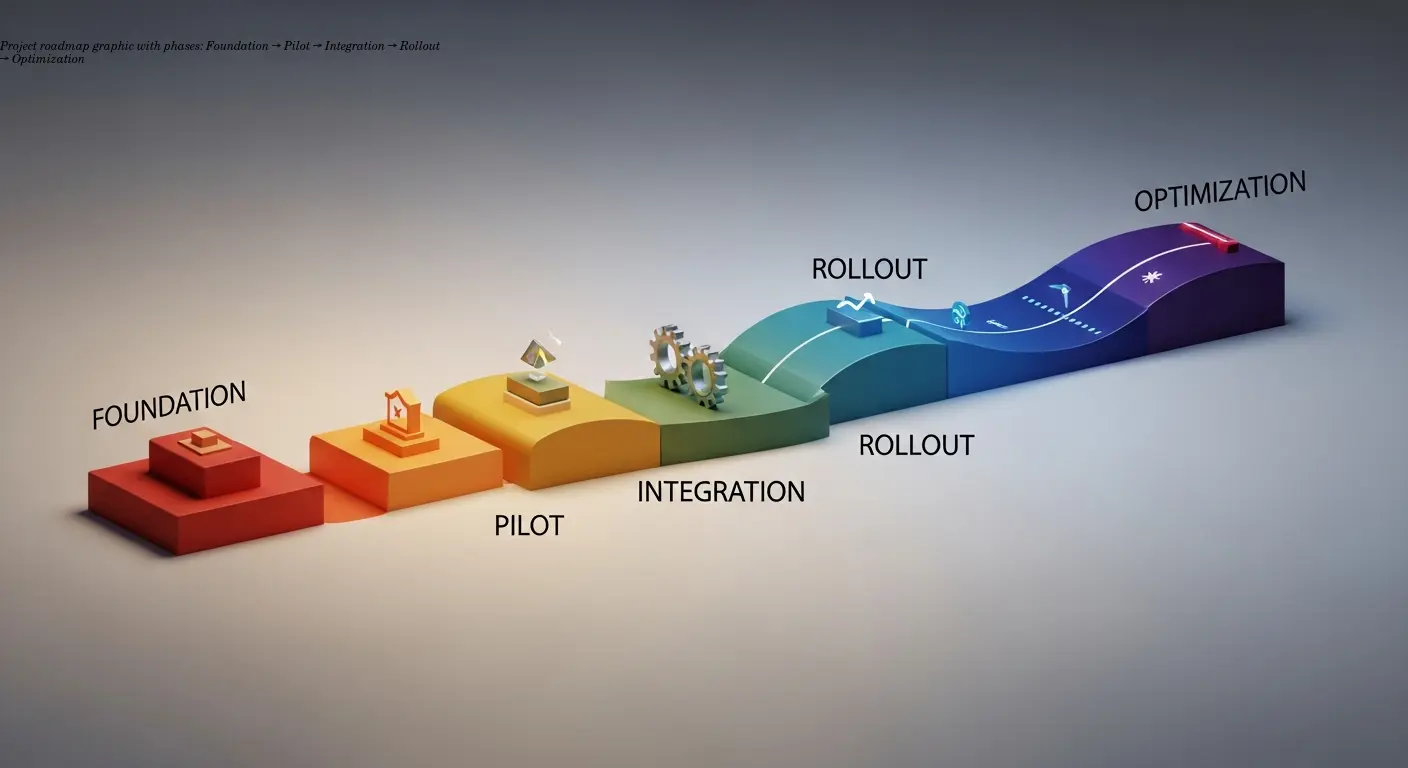
Avoid a "big bang" cutover. Use a phased approach:
- Foundation: select target formats (UBL/Peppol, XRechnung, ZUGFeRD), inventory PDFs, assess data quality, pick your tech approach, and create a test environment.
- Pilot: start with 5–20 high-volume suppliers, configure OCR, build mappings, validate, and run parallel with manual processing.
- Integration: connect XML output to ERP, set up Peppol access points if required, and feed master data for enrichment.
- Rollout: expand by waves, communicate with suppliers, train staff, and keep parallel processing for a transition period.
- Optimization: retrain OCR with corrected data, refine rules, add formats, and automate exception handling.
For outgoing invoices, prefer generating XML directly from your ERP/billing data. If the ERP only produces PDFs, extract source data rather than OCR-ing your own PDFs — it’s more reliable.
Data Quality and Validation: Getting the Details Right
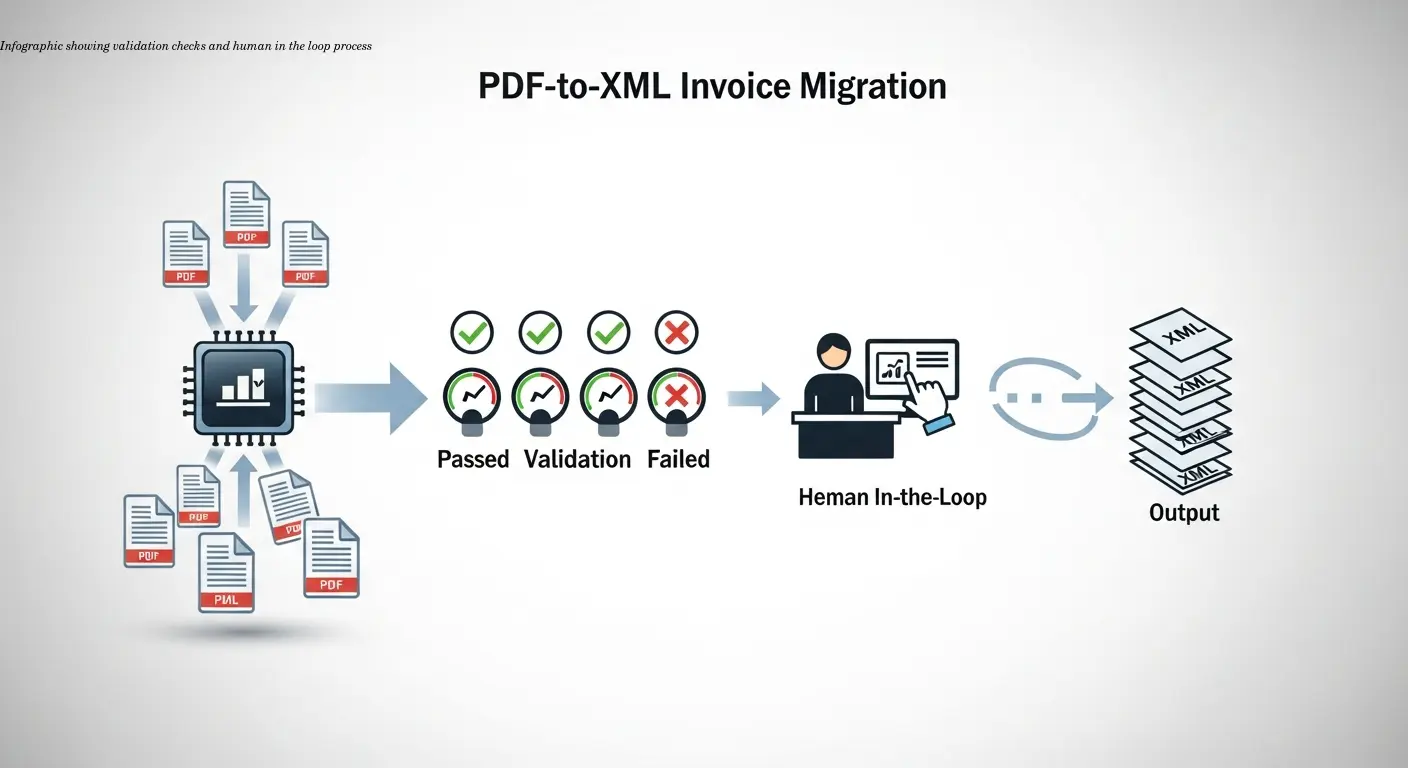
The technical conversion is often easier than ensuring data quality. Common validation needs:
- Mandatory fields per EN 16931/UBL: invoice number, issue date, seller/buyer IDs, currency, line items, tax breakdowns, totals.
- Calculation validation: line quantity × unit price ≈ line total; sum of lines + taxes = grand total.
- Data enrichment: fill missing VAT IDs or GL codes from master data.
Implement a human-in-the-loop for low-confidence OCR fields (e.g., confidence < 85%). Route those invoices to clerks with a side‑by‑side PDF → extracted data view. Maintain master data hygiene to auto-fill or validate missing values.
"Most projects stall not because XML is hard, but because data quality and validation are underestimated."
Choosing the Right Tools and Platforms
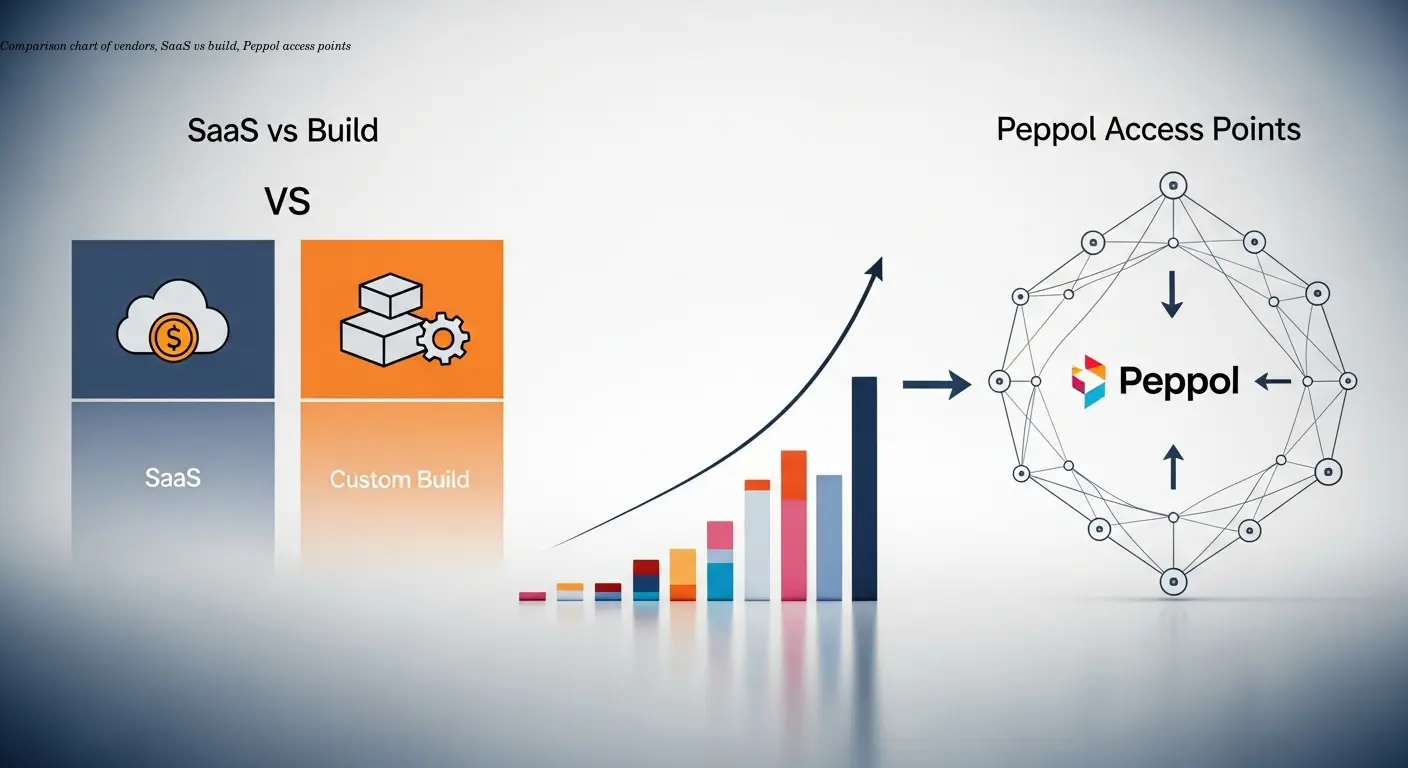
Platform options:
- End‑to‑end e‑invoicing platforms (Klippa DocHorizon, TriFact365, HubBroker, B2Brouter) provide ingestion, OCR, mapping, validation, and transmission out of the box. Faster time-to-value; per-invoice pricing.
- Build your own with separate OCR, mapping, and EDI components — flexible but longer (4–6+ months) and requires integration expertise.
- Low-code integrations (Make, Power Automate) orchestrate best-of-breed APIs and are a middle ground.
- Generic PDF-to-XML tools (Adobe, PDFPro) produce layout XML — not suitable for compliance without heavy post-processing.
For Peppol transmission, use a certified Peppol Access Point or an integrated platform that handles delivery and recipient lookup. If you want a purpose-built European tool for XRechnung/ZUGFeRD/UBL, consider platforms like e-rechn.de for native generation.
Common Pitfalls and How to Avoid Them
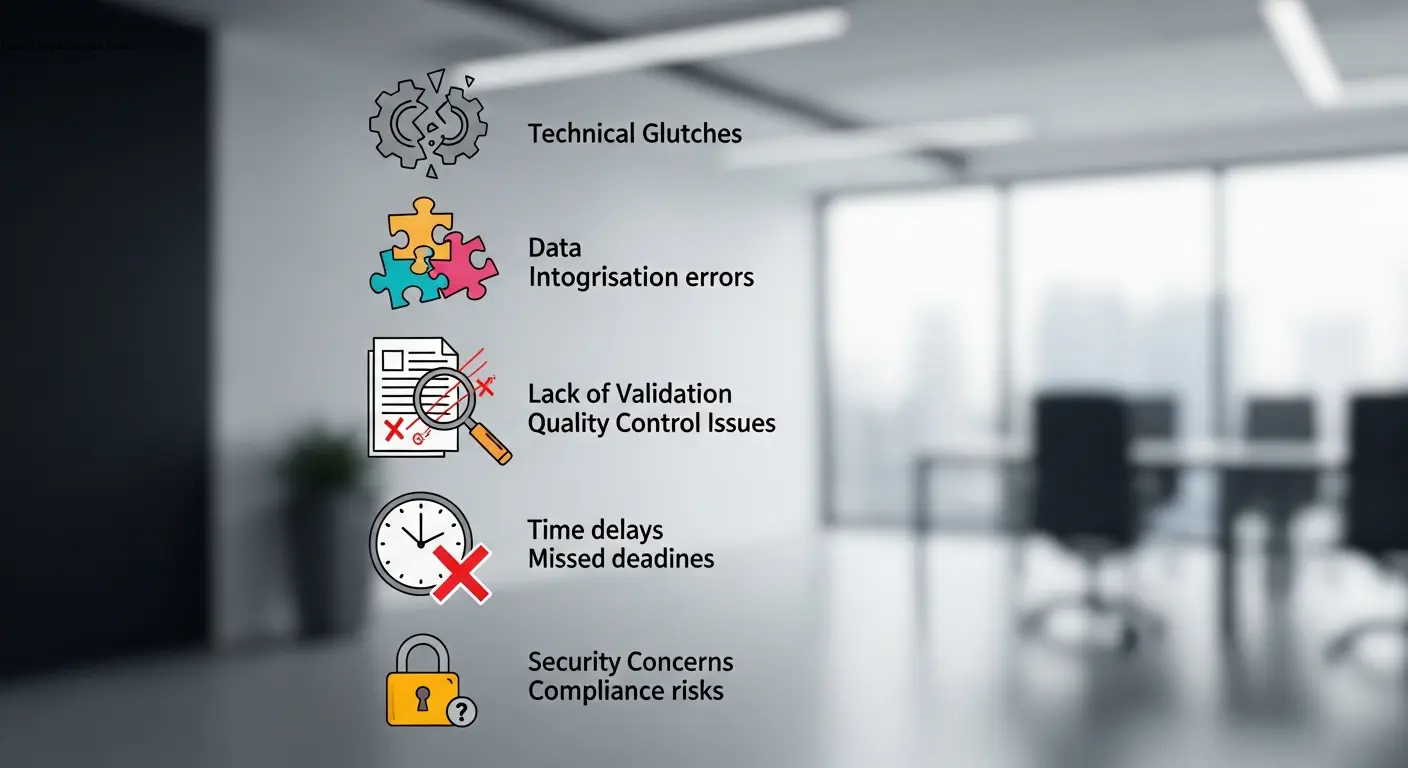
Avoid these repeated mistakes:
- Layout XML vs semantic XML: generic converters fail to meet UBL/Factur‑X schema requirements.
- Underestimating OCR accuracy: aim for 98–99% on key fields; validate arithmetic to catch errors.
- Ignoring layout diversity: prefer template‑free AI models for many suppliers.
- Skipping validation until production: test with official validators and portal test instances first.
- Missing tax details: fallback logic or manual enrichment is required when PDFs show only "incl. VAT".
- No exception workflows: route unreadable or faxed invoices to human queues.
- Vendor lock‑in: ensure exportability of mappings and data if you switch providers.
Remember: this is cross-functional — involve procurement, finance, compliance, and IT. Treat it as a business process transformation, not just an IT project.
Putting It All Together: Your Migration Roadmap
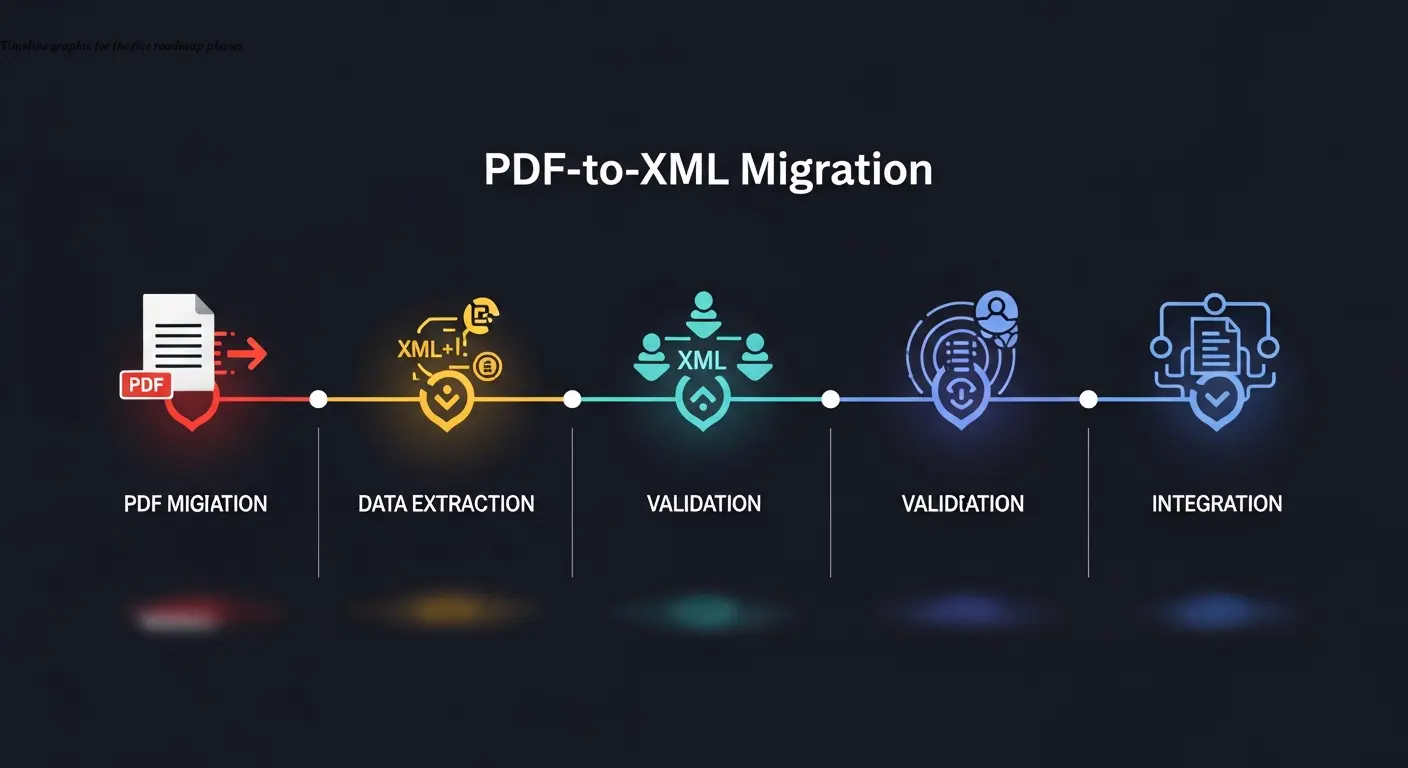
Phase 1 — Foundation (Weeks 1–4): choose formats, inventory PDFs, assess data quality, pick technology, and set up a test environment.
Phase 2 — Pilot (Weeks 5–10): test OCR and mapping with representative suppliers, implement validation and human review, measure accuracy and intervention rates.
Phase 3 — Integration (Weeks 11–16): connect to ERP, set up Peppol or transmission channels, integrate master data, and build monitoring.
Phase 4 — Rollout (Weeks 17–26): scale by supplier waves, communicate requirements, train staff, and run parallel processing for safety.
Phase 5 — Optimization (Ongoing): refine OCR models, expand formats, automate exceptions, and ensure archiving/audit compliance.
If possible, avoid OCR altogether for outgoing invoices by generating XML directly from your billing system — this yields the most accurate results.
FAQ
What's the difference between a PDF invoice and an XML e-invoice?
A PDF is a visual, human-readable document. An XML e-invoice is structured and machine-readable, encoding invoice data according to standards like UBL or Factur‑X so systems can validate and process them automatically.
Which XML invoice standards should I use?
It depends on region and transaction type: UBL/Peppol for EU B2G and cross-border, XRechnung for German government, ZUGFeRD/Factur‑X for hybrid PDF+XML cases, and FatturaPA for Italy. Most align with EN 16931.
Can I just use a regular PDF-to-XML converter?
No. Generic converters output layout-based XML, not semantic invoice XML. Use invoice-specific tools or map extracted fields (amounts, dates, tax IDs, line items) to UBL or Factur‑X schemas.
How accurate is OCR for invoice data extraction?
Modern invoice-focused OCR typically achieves 95–99% accuracy on key fields for clean digital PDFs. Accuracy falls for scanned or handwritten documents. Always validate arithmetic totals and use human review for low‑confidence fields.
Do I need to keep the original PDF after converting to XML?
Usually yes. Tax authorities often require archiving invoices in their original received format for 7–10 years. Store both the source PDF and generated XML, plus an audit trail of any corrections.
What happens if my XML invoice fails validation?
The receiving system or portal rejects it with error messages indicating schema or business rule failures (e.g., missing fields, calculation mismatches, invalid VAT IDs). Fix source data or mapping and regenerate the XML.
How long does migration from PDF to XML invoices take?
A phased migration using an existing platform typically takes 3–6 months for a mid-sized business. Building a custom solution can take 6–12 months depending on volume, integrations, and complexity.
Can I send hybrid PDF+XML invoices?
Yes. ZUGFeRD and Factur‑X embed structured XML inside a PDF/A‑3 file so recipients can view the PDF and automated systems can extract the XML — ideal during transitions.
What are the mandatory elements in an XML invoice?
Core required elements (per EN 16931 and national standards) include invoice number, issue date, seller/buyer details (name, address, tax ID), currency, line items (description, quantity, price), tax breakdowns, and total payable. Specific formats may require extra fields.
Should I convert incoming PDFs or ask suppliers to send XML directly?
Both. Request native XML from capable high-volume suppliers to avoid conversion. For smaller suppliers, use an OCR-to-XML pipeline. Hybrid approaches accelerate compliance while minimizing errors.
Related articles
Make X-Invoice Essential Guide for Finance Teams
Learn how to make x-invoice from PDF using AI/OCR tools, ensure EN 16931 compliance, and streamline finance and ERP workflows. Practical steps and expert tips.
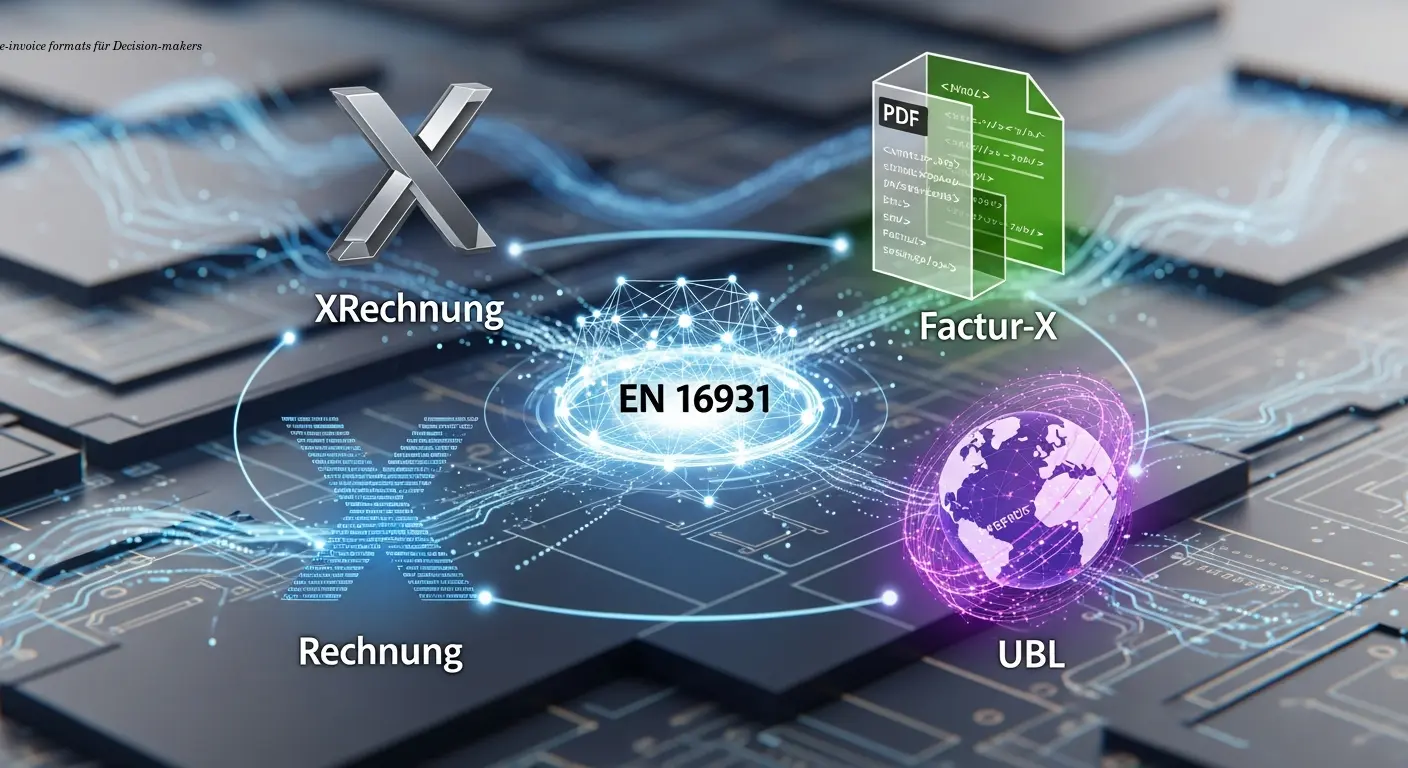
e-invoice formats XRechnung Factur-X UBL Explained
Compare e-invoice formats XRechnung, Factur-X and UBL to choose the best EU-compliant approach. Expert guidance and AI automation to simplify rollout.
About the author

Alexander Lutsyuk · Founder & Operator
Alexander Lutsyuk is the founder of Algoran and runs E-Rechn.de. He has worked for years in automation, digital content and SEO, currently as an on-page SEO adviser at SEO-Küche Internet Marketing GmbH & Co. KG. With E-Rechn.de he combines hands-on automation expertise with the practical demands of the EU e-invoicing mandate: XRechnung, ZUGFeRD, Factur-X and EN 16931. He holds an M.Sc. from Humboldt University of Berlin and is a BVDW-certified specialist.
Education: Humboldt-Universität zu Berlin
BVDW-certified specialist