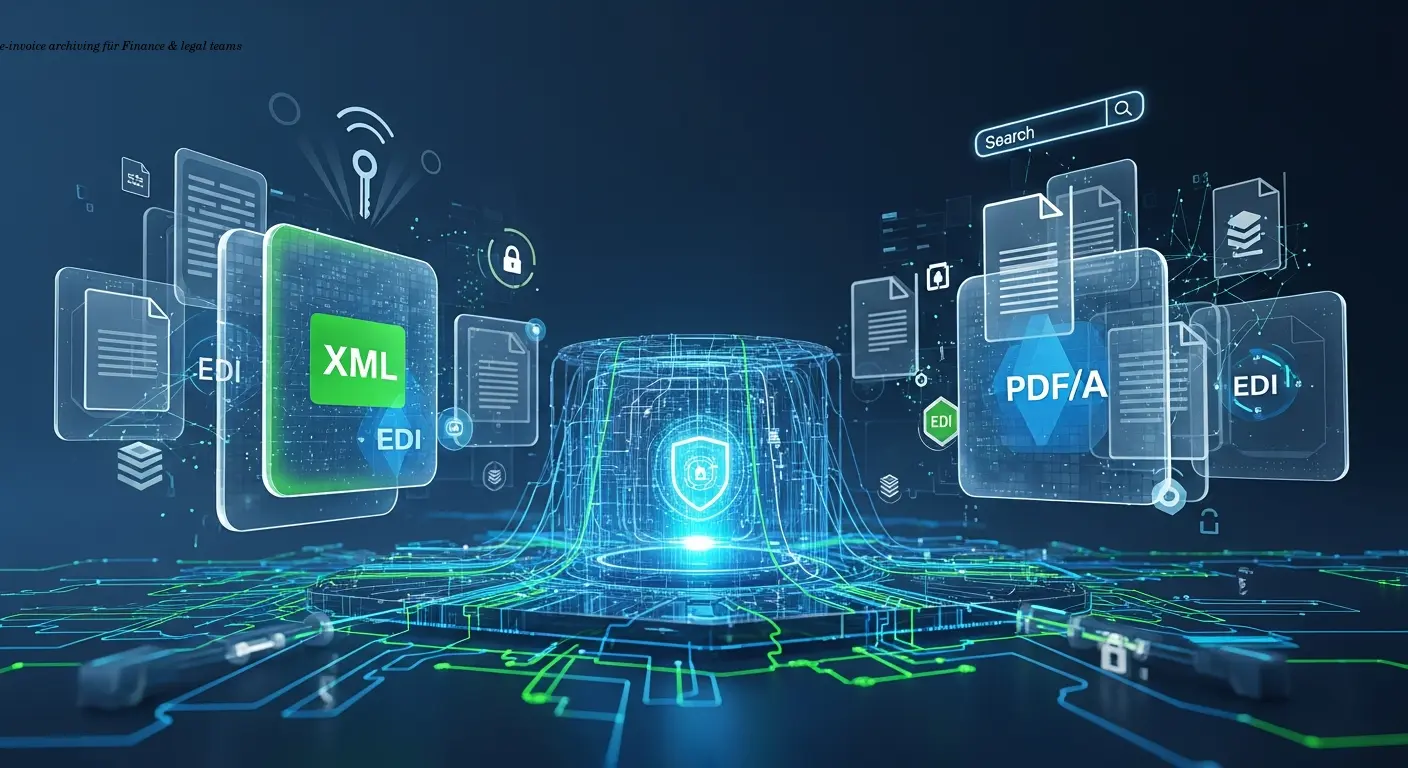
E-invoice archiving compliance guide for finance teams
E-Invoice Archiving Requirements: A Complete Guide for Finance Teams
Estimated reading time: 12 minutes
- Store e-invoices for 5–10 years (or longer) in tamper-proof systems to meet jurisdictional retention rules.
- Preserve authenticity and integrity so invoices can be proven unchanged and genuinely issued by the supplier.
- Retain original electronic formats (XML, EDI, PDF/A), not just printed or converted PDFs.
- Enable fast, readable retrieval and strong access controls (encryption, audit trails, role-based access).
- Document your system and test backups regularly — auditors expect process evidence and recoverable archives.
Understanding E-Invoice Archiving Fundamentals
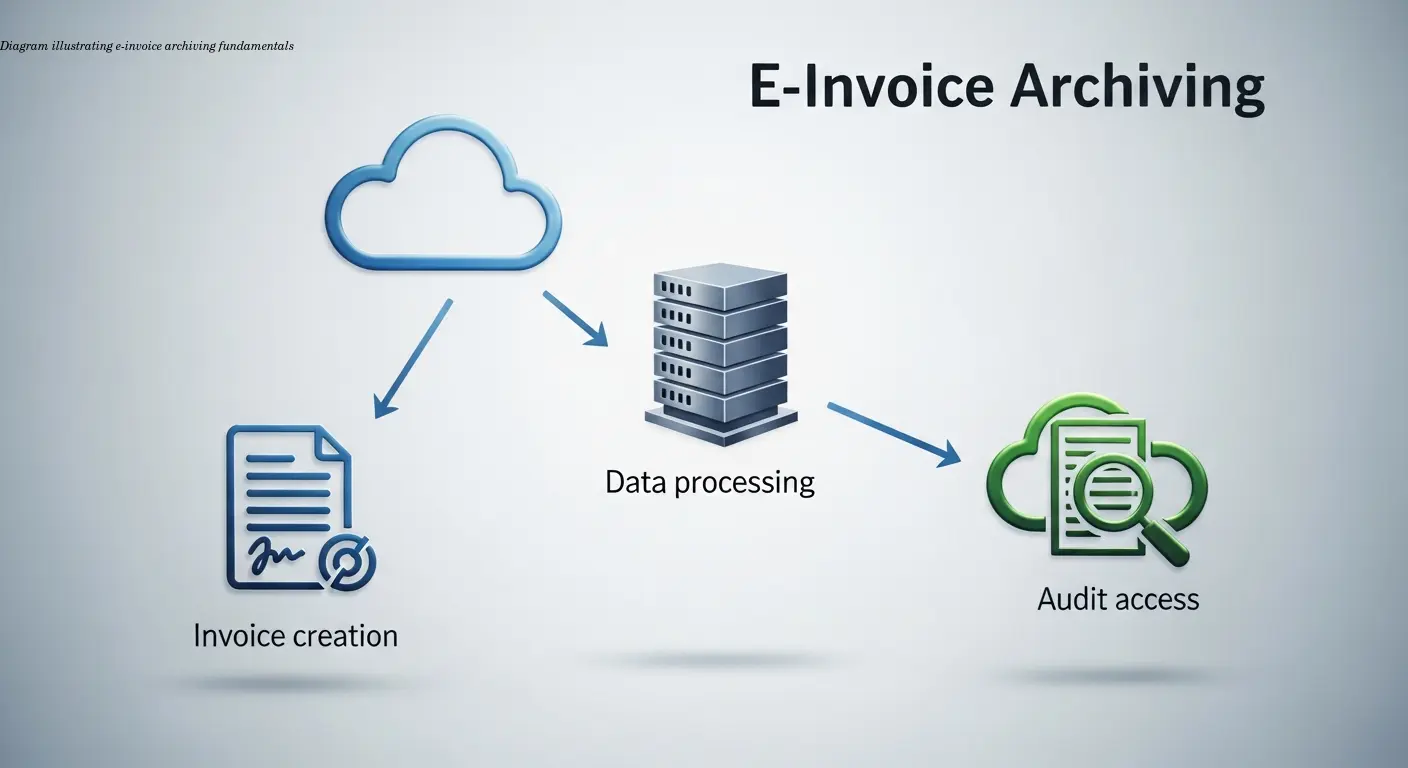
E-invoice archiving means storing electronic invoices in a legally compliant, secure system that proves authenticity and integrity over long retention periods. It is not merely saving files to a folder — it requires tamper-resistant controls, audit trails, and retention policies aligned to tax law.
Most jurisdictions require retention for 5 to 10 years. Many finance teams adopt a blanket 7-year policy to cover most tax scenarios and cross-border complexity. The key is to retain the original electronic format (XML, EDI, ZUGFeRD, structured PDF), because tax authorities increasingly validate structured data directly.
As Sovos explains, maintaining a complete audit trail from invoice creation through archiving is essential. That means documenting receipt, validation, approval, payment, storage, and any certificates used to verify signatures.
“Printing an e-invoice and scanning it back often fails auditor scrutiny — retain the original structured file.”
Legal Requirements Across Jurisdictions
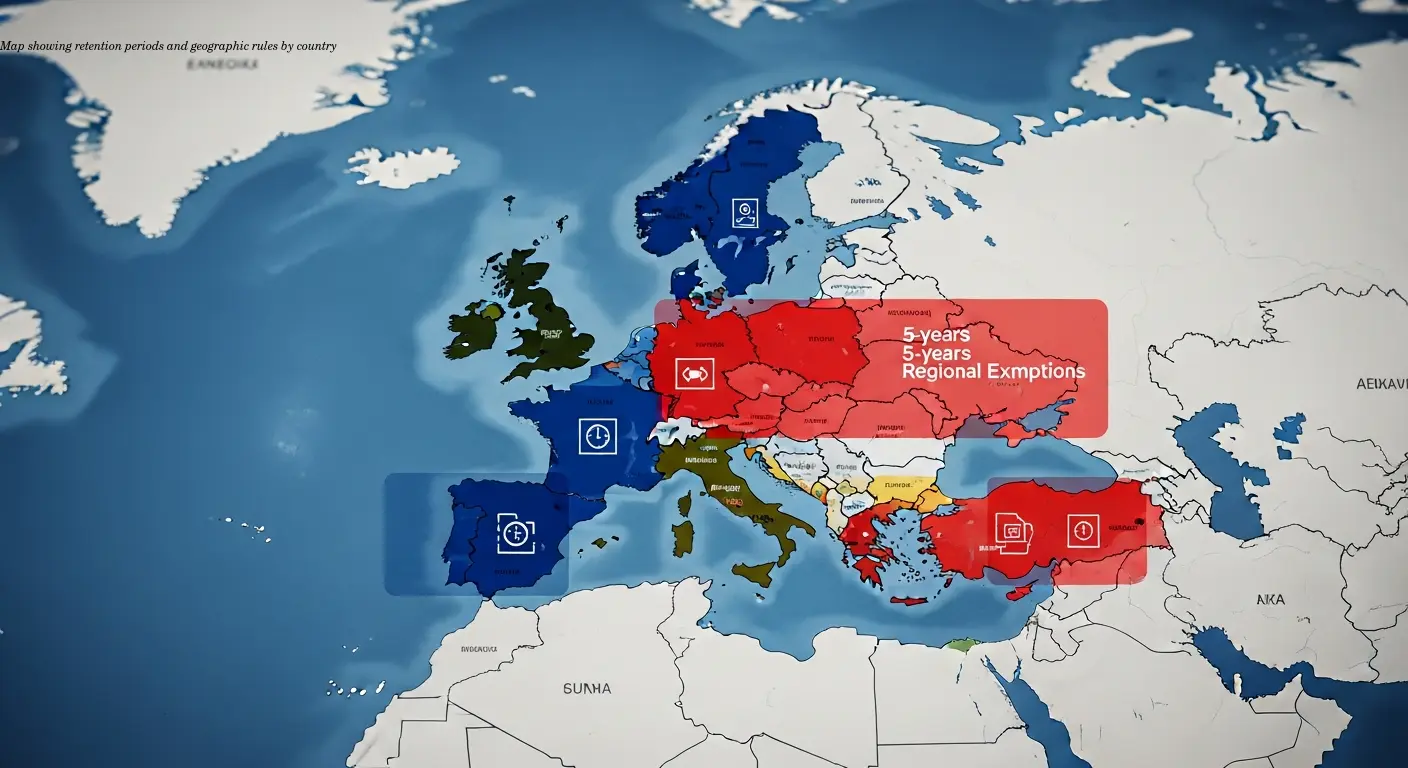
Retention periods vary widely: the U.S. often defaults to 7 years as a safe harbor (federal FAR rules differ), while many European countries require 6–10 years. Italy commonly mandates 10 years; Germany commonly expects 10 years for certain invoices.
Two legal pillars dominate compliance:
- Authenticity — you must prove the invoice was issued by the stated supplier (e.g., qualified electronic signatures in the EU).
- Integrity — you must prove the invoice hasn't been altered (secure hashes, WORM storage, or robust controls).
Different countries use different technical mechanisms. For practical guidance, InvoiceOnline notes that write-once storage plus access logs satisfies many frameworks. Beware of data residency rules — Brazil and China impose specific requirements, and some EU member states historically limited cross-border storage.
Technical Architecture for Compliant Storage
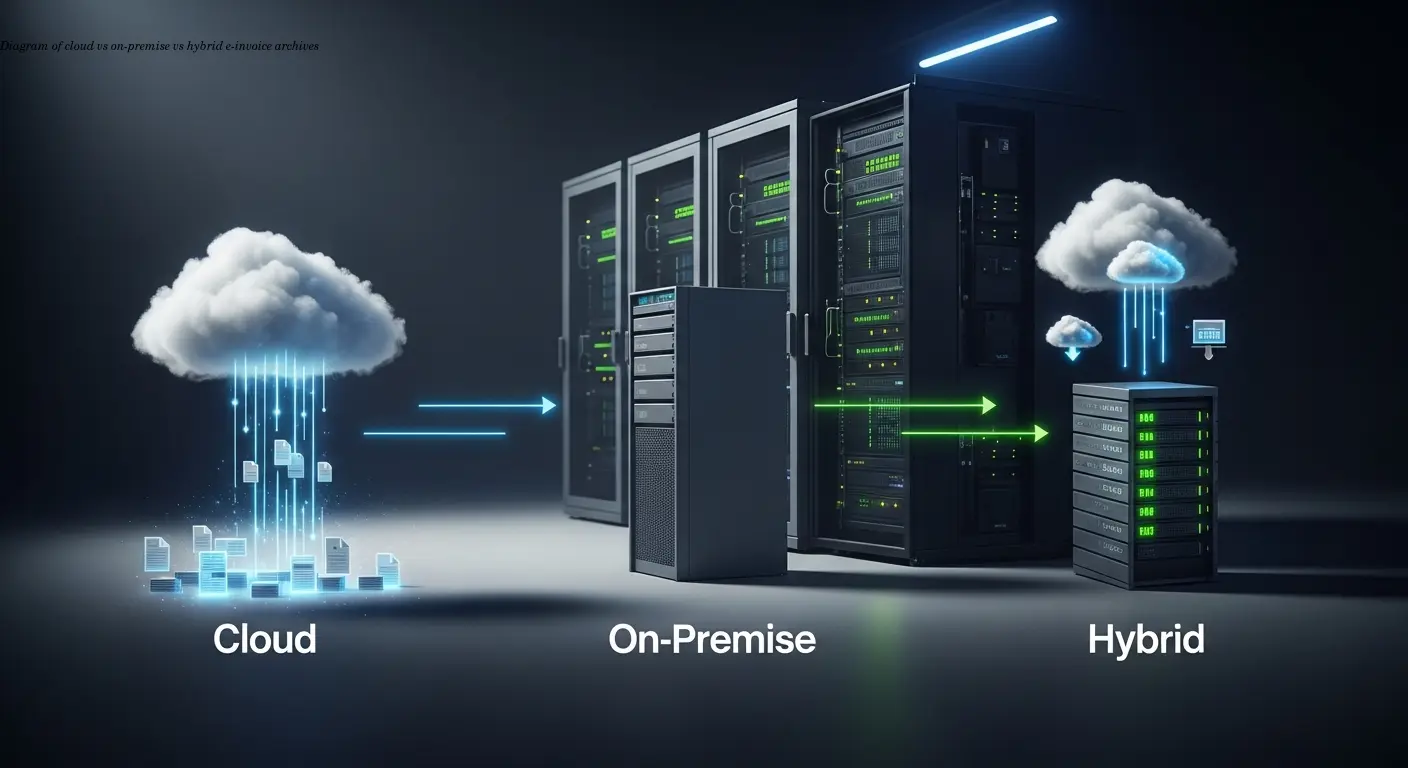
Choose cloud, on-premise, or hybrid based on integration, control, and geographic constraints. Cloud solutions dominate because they offer encryption, geographic redundancy, and managed backups. As Klippa points out, major cloud providers implement many required security controls out of the box.
Immutability and Encryption
Implement WORM (write-once, read-many) or logical immutability and capture comprehensive audit trails. Use end-to-end encryption (TLS 1.2+ in transit, AES-256 at rest) and plan key management to ensure access across system migrations and vendor changes.
Access Controls and Audit Trails
Adopt the principle of least privilege: role-based permissions, multi-factor authentication, and strict admin segregation. Log every access and store logs tamper-proof alongside the invoices. Invoice-Parse recommends capturing search, export, and modification attempts in audit logs.
Backup and Recovery
Follow a robust backup policy — at minimum, the 3-2-1 rule (three copies, two media, one off-site) — and test restoration quarterly. As DocuWare emphasizes, untested backups are effectively useless.
Metadata Strategy and Search Capabilities
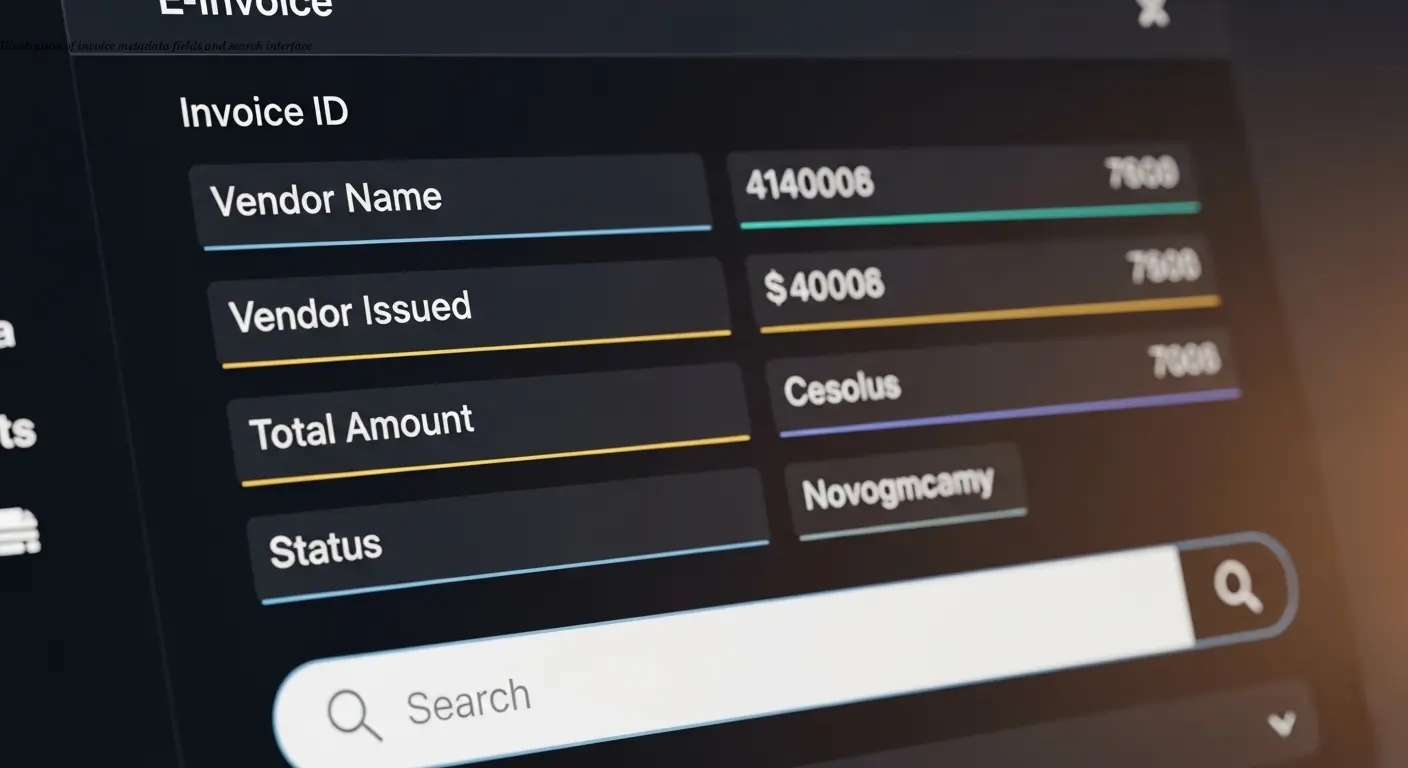
Effective archiving requires a strong metadata schema. At minimum capture:
- Invoice number, issue date, supplier name, supplier tax ID
- Invoice amount, currency, receiving business unit
- Purchase order number, project codes, cost centers
Standardized naming conventions (e.g., [SupplierTaxID]_[InvoiceNumber]_[IssueDate]_[Amount].[extension]) and full-text indexing enable quick retrieval. Integrate archives with your ERP so metadata synchronizes automatically — XSuite recommends this approach to avoid manual errors.
Preserve original structured formats (XML, EDI, UBL) and also generate a long-term rendering like PDF/A for human readability. This dual-format strategy protects automated processing and future-proof readability.
Automation and Workflow Integration
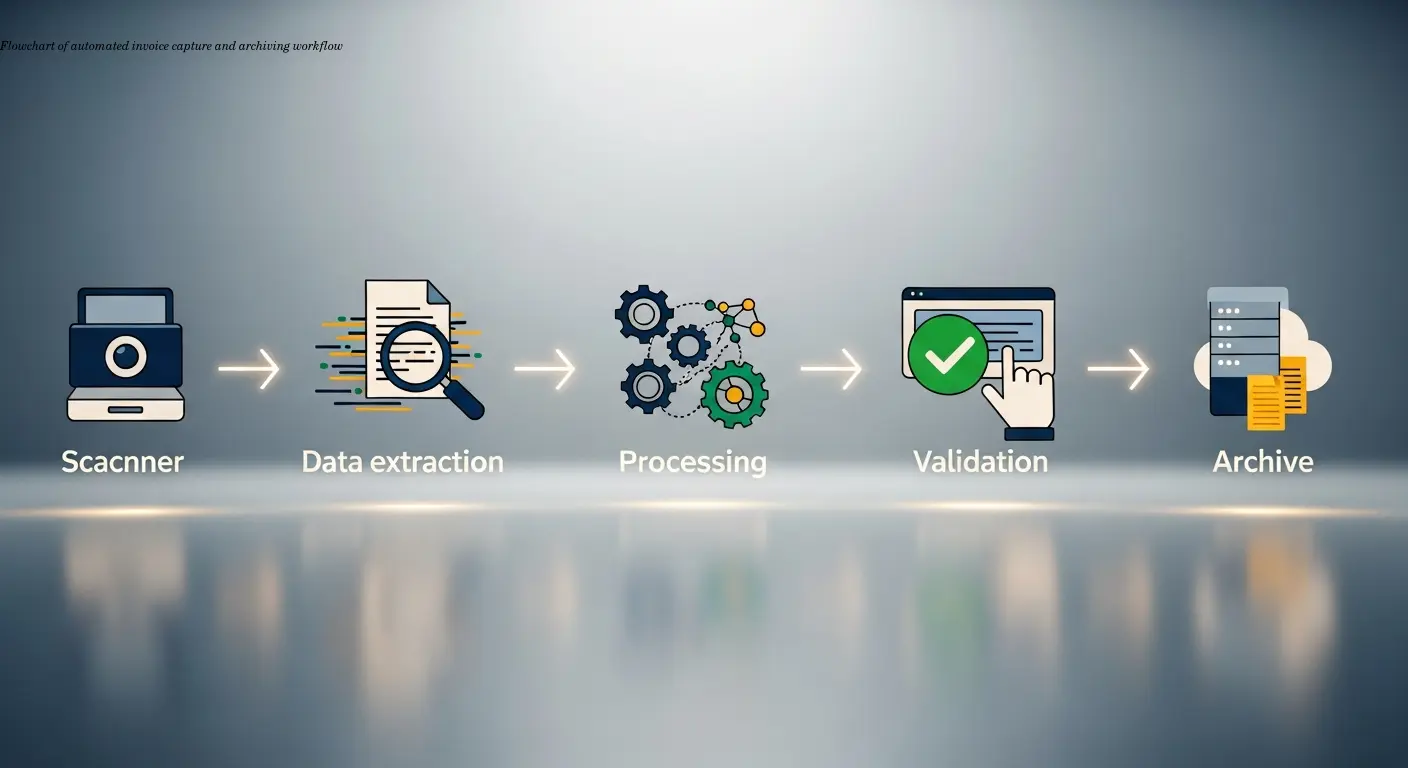
Automate capture, validation, and archiving to prevent compliance gaps. Integrate AP automation with the archive so archiving is mandatory before payment. Some systems block payment until an invoice and its metadata are stored.
Use OCR and AI extraction for paper invoices; for email-delivered PDFs, implement email-to-archive addresses that parse attachments, validate format, and store files automatically. Stampli notes modern extraction reaches high accuracy, reducing manual keying.
Configure retention automation by jurisdiction and invoice type, implement legal holds for disputes, and ensure failed archiving blocks approval until resolved. Monitor archiving success rates and storage trends via dashboards.
Preparing for Tax Audits
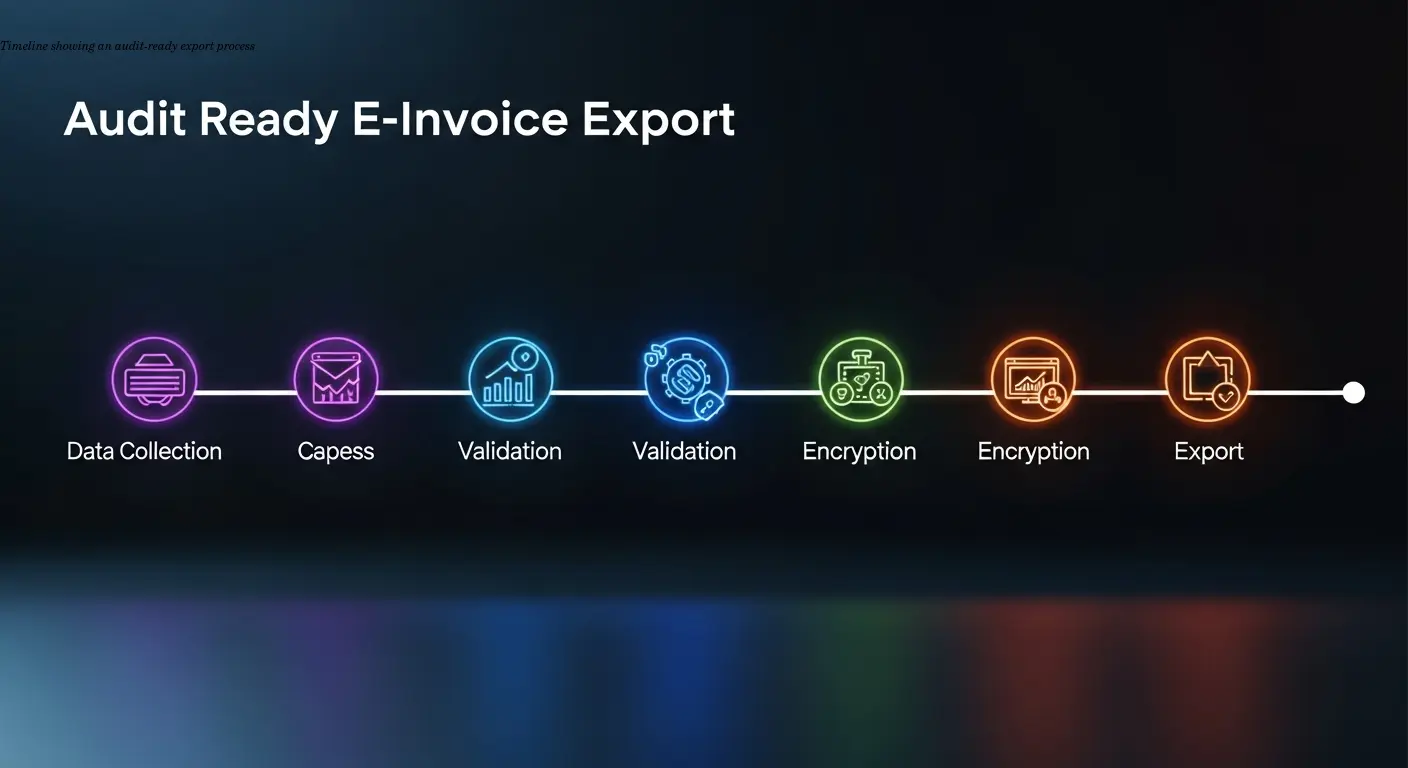
Design your archive with auditors in mind: fast search, bulk export, and clear documentation. Some tax authorities may request direct electronic access or specific export formats (CSV, SAF-T, GDPdU). Sovos highlights the need for complete metadata and referential integrity in exports.
Practice audit scenarios quarterly to test retrieval time and accuracy and maintain current system documentation, screenshots, and access matrices. Consider providing auditors with read-only accounts scoped to the audit period and fully logged.
Common Mistakes and How to Avoid Them
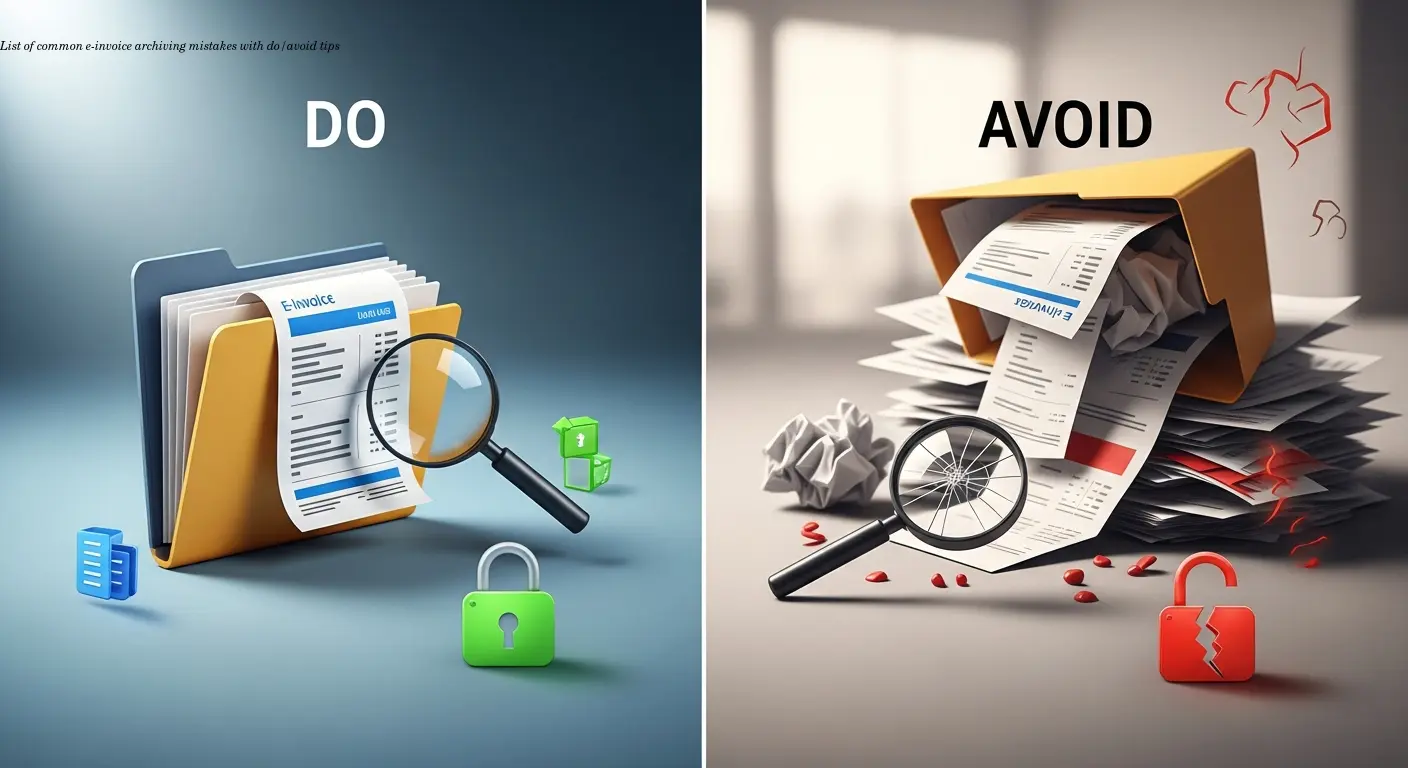
Common errors include:
- Treating archiving as an IT-only project rather than a finance-owned compliance activity.
- Deleting original structured files and storing only PDFs — retain both XML/EDI and PDF/A.
- Failing to test backups and restorations regularly.
- Using proprietary formats without export options to open standards like PDF/A or XML.
- Weak access controls that allow single-person deletion or modification without audit trails.
Avoid these by defining ownership, enforcing metadata capture at ingestion, restricting admin rights, and scheduling regular recovery tests and format-migration checks.
Practical Implementation Roadmap
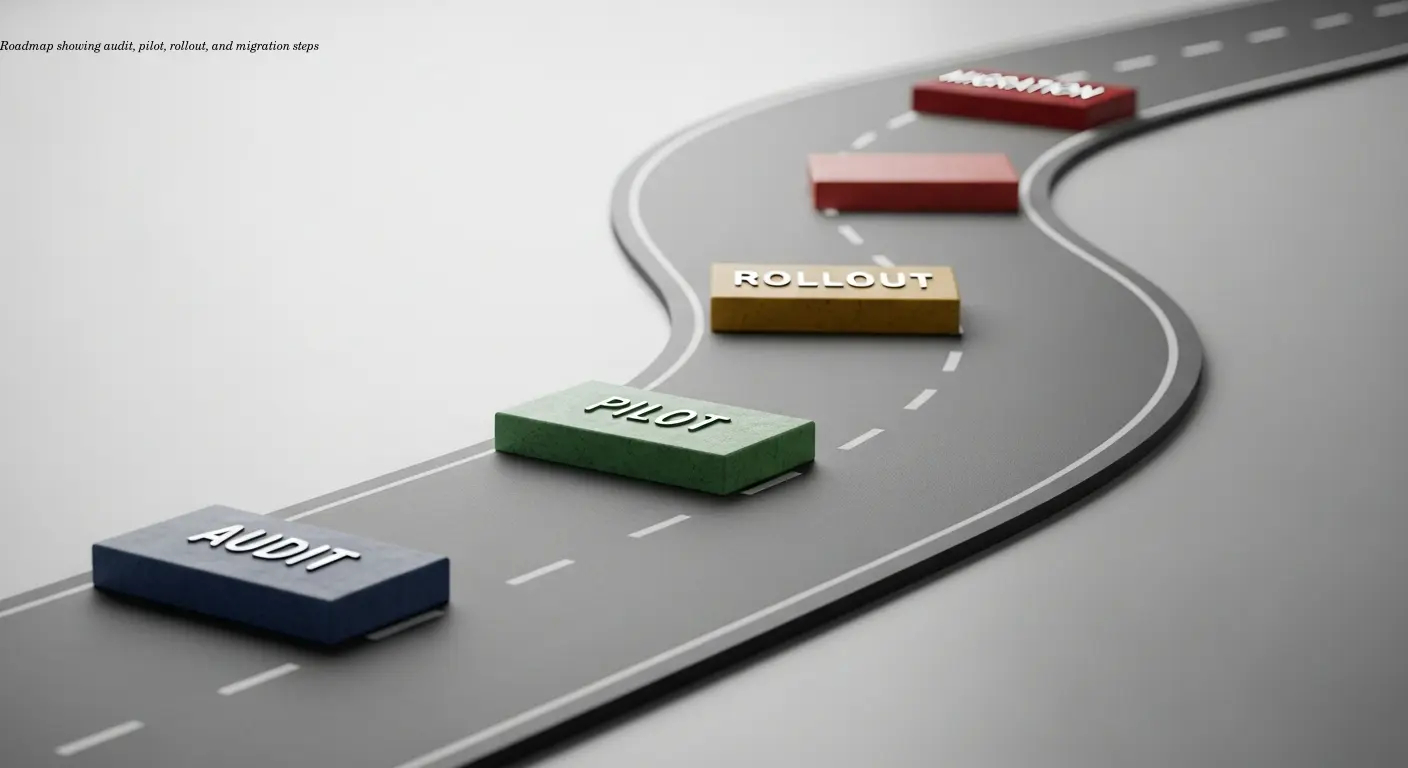
Start by auditing current invoice sources and jurisdictional retention rules. Choose a technology stack that integrates with ERP and AP automation. Design the metadata schema and validation rules before migrating data.
Pilot with a high-volume supplier for 2–3 months to exercise the end-to-end flow. Migrate recent years first and decide whether to scan older paper archives on-demand. Provide role-based training and build archiving into onboarding.
When generating e-invoices, use compliant tools to match country formats — for example, create e-invoices using e-rechn.de to support European standards and simplify archiving.
FAQ
How long do I need to keep e-invoices in storage?
Most countries require 5-10 years minimum retention from the invoice date. Common practice is applying a 7-year rule as a safe default. Some transaction types like real estate or capital assets may require longer periods. Ongoing audits or legal proceedings extend retention indefinitely until resolved. Always check specific requirements for each jurisdiction where you operate.
Can I delete the paper invoice after scanning it to create a digital archive?
Generally yes, if your scanning process preserves authenticity and integrity and you document the conversion procedure properly. The digital copy must be of sufficient quality, include all information from the original, and be stored in a tamper-proof system. Some jurisdictions require specific scanning standards or validation of the digitization process. Our invoice digitization playbook covers capture-to-archive workflows; when in doubt, consult local regulations or a tax advisor.
What's the difference between regular file storage and compliant e-invoice archiving?
Compliant archiving requires tamper-proof storage, audit trails, access controls, guaranteed long-term readability, and often geographic restrictions. Regular file storage offers none of these compliance features. You must be able to prove invoices haven't been modified and can produce them quickly during audits. Simple cloud storage or network drives don't meet these requirements without additional controls and documentation.
Do I need to keep both XML and PDF versions of the same invoice?
It's highly recommended. The original electronic format (XML, EDI, etc.) preserves structured data that tax authorities may analyze automatically and proves the invoice's authentic format. PDF/A ensures human readability decades later regardless of software changes. Many compliance frameworks explicitly require retaining original formats, making dual storage the safest approach.
What happens if my archiving system fails and I lose old invoices?
Loss of invoice records creates serious tax compliance problems. Tax authorities may deny expense deductions, assess penalties, or in severe cases presume unreported income. This is why robust backup and disaster recovery are mandatory. Implement redundant storage, regular backups to separate locations, and quarterly restoration testing to ensure you can actually recover archived data.
Can I store e-invoices in cloud services located outside my country?
It depends on your jurisdiction. EU businesses can generally store invoices anywhere within the EEA without restrictions. Some countries require notification or permission for foreign storage. Other regions like China or Brazil have strict data residency rules requiring local storage of tax documents. Check your specific country's regulations and maintain documentation of where archives are stored.
How quickly must I be able to retrieve invoices during a tax audit?
Requirements vary by country but expectations are getting stricter. Some jurisdictions expect production within 24-48 hours; others allow several days. German GoBD rules effectively require near-immediate electronic access. Design your search and export capabilities to produce filtered invoice sets within hours. Slow retrieval frustrates auditors and may trigger expanded audit scope or penalties.
What metadata should I capture for each archived invoice?
Essential metadata includes invoice number, date, supplier name, supplier tax ID, total amount, currency, your company's business unit, and posting date. Add purchase order numbers, project codes, payment dates, and approval records if relevant to your business. The richer your metadata, the more powerful your search and reporting capabilities become during normal operations and audits.
Related articles
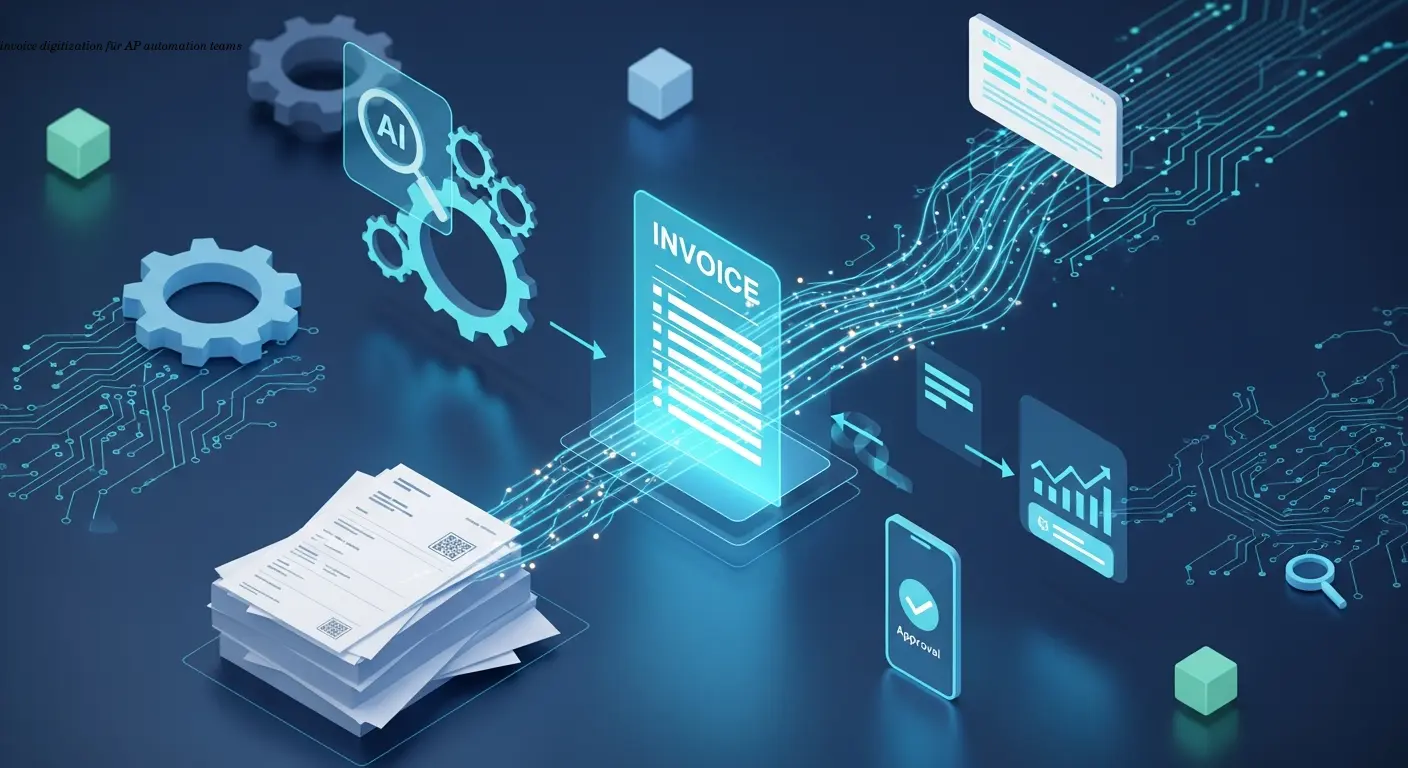
Practical Invoice Digitization Playbook for AP Teams
Learn practical invoice digitization tactics AP teams use to cut costs, speed approvals, and stay compliant with Germany's 2027 mandate. Actionable steps and ROI.
About the author

Alexander Lutsyuk · Founder & Operator
Alexander Lutsyuk is the founder of Algoran and runs E-Rechn.de. He has worked for years in automation, digital content and SEO, currently as an on-page SEO adviser at SEO-Küche Internet Marketing GmbH & Co. KG. With E-Rechn.de he combines hands-on automation expertise with the practical demands of the EU e-invoicing mandate: XRechnung, ZUGFeRD, Factur-X and EN 16931. He holds an M.Sc. from Humboldt University of Berlin and is a BVDW-certified specialist.
Education: Humboldt-Universität zu Berlin
BVDW-certified specialist