Batch e-invoice conversion guide for finance leaders
Batch E-Invoice Conversion: The Complete Guide for Large Finance Departments
Estimated reading time: 12 minutes
Key takeaways
- Batch e-invoice conversion automates transforming many PDFs into structured formats (XML, UBL, XRechnung) in a single process — building on the same steps used to convert PDFs at scale.
- Mass invoice processing saves finance departments hundreds of hours monthly and reduces manual error rates from ~3–5% to under 0.1%.
- European regulations — notably Germany's B2B mandates from 2025 — require structured e-invoice formats like XRechnung and ZUGFeRD.
- Modern tools integrate with ERPs via APIs/SDKs, support Peppol and UBL for cross-border use, and validate invoices for compliance.
- For teams processing >500 invoices/month, investment in batch conversion typically pays back within months.
Understanding Batch E-Invoice Conversion and Why It Matters
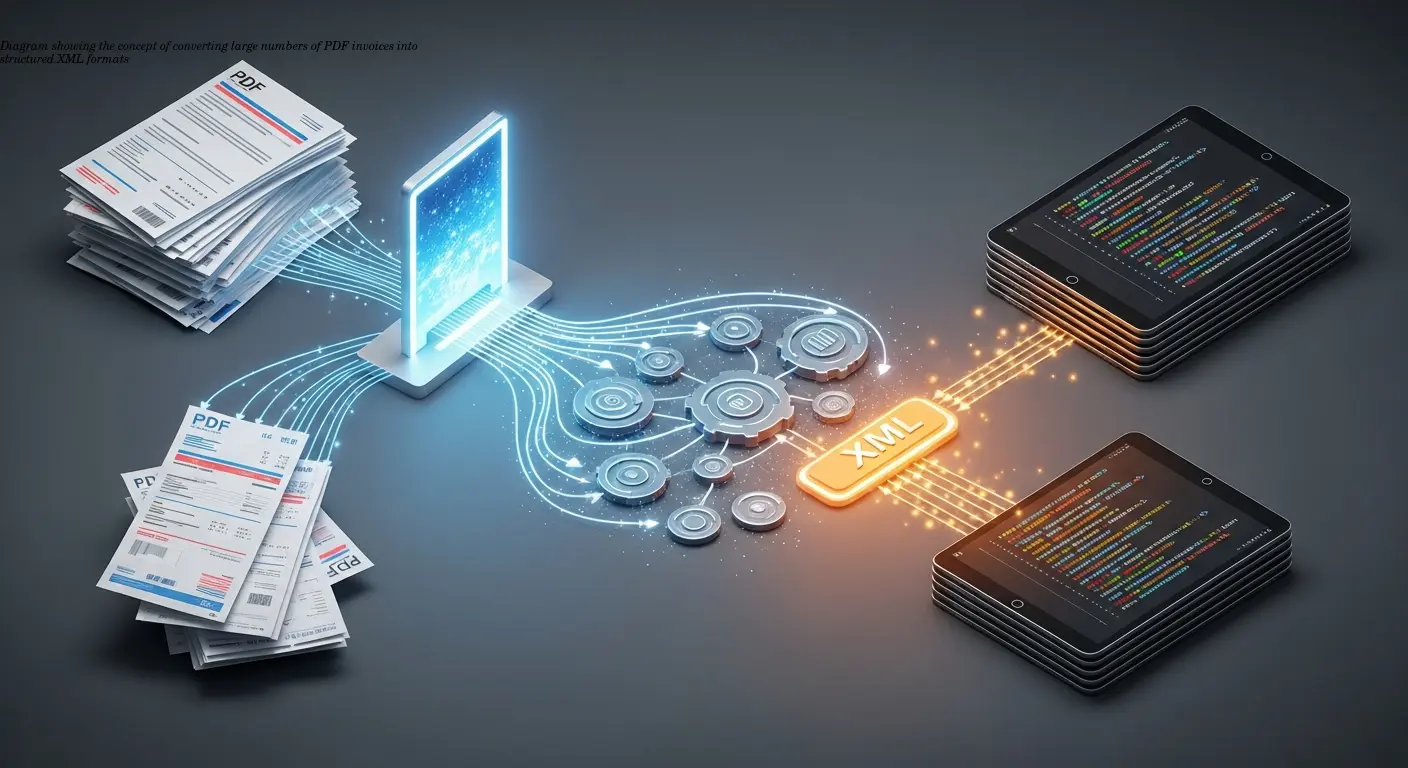
Batch e-invoice conversion refers to the automated transformation of many PDF invoices into structured, machine-readable formats such as XML, UBL, XRechnung, or ZUGFeRD in a single operation. Rather than processing invoices one-by-one, finance teams upload entire directories — sometimes containing thousands of documents — and convert them simultaneously.
Regulatory pressure has shifted e-invoicing from a convenience to a necessity: Germany's B2B mandates beginning in 2025 require structured e-invoice formats for compliance. For large finance departments, batch conversion is the practical path to meet volume, accuracy, and legal demands.
"Manual processing doesn't just waste time — it introduces errors that cost real money." — common observation from finance directors
How Mass Invoice Processing Actually Works
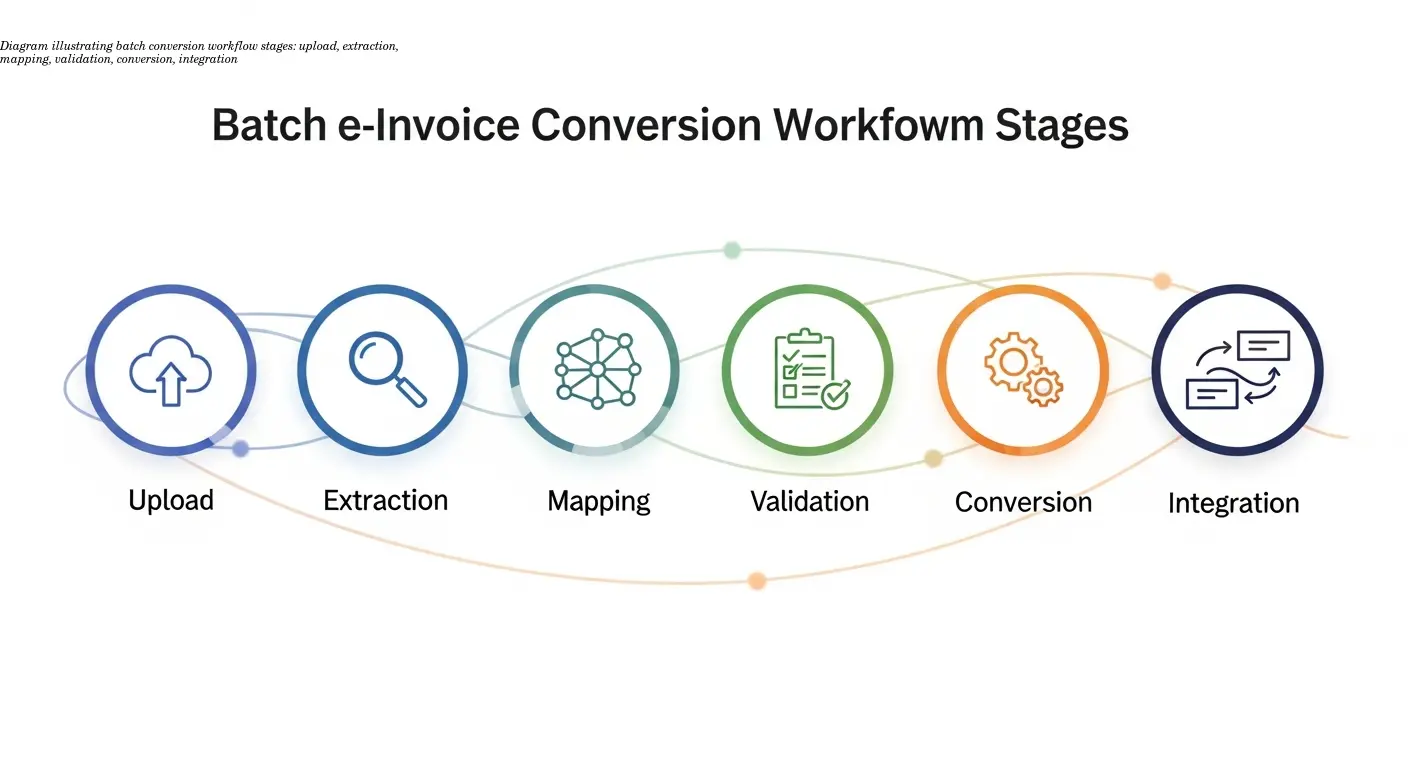
A reliable batch e-invoice process typically follows six stages. Understanding these helps you choose the right tool and plan realistic implementation milestones:
- Upload & selection — drag-and-drop or automated folder monitoring to collect entire batches for processing.
- Extraction — AI-powered OCR reads text-based PDFs directly and converts scanned images into machine-readable text for scanned documents.
- Field mapping — extracted values are mapped to the required fields (invoice number, dates, line items, tax details) for the target format; good systems learn from corrections.
- Validation — the system checks for required fields, formats, and schema compliance (XRechnung, UBL, etc.) to prevent rejected invoices later.
- Conversion — structured XML or hybrid PDF/XML files are generated.
- Integration — converted files are delivered to ERPs or EDI networks via connectors, APIs, or SDKs.
Tip: pay attention to OCR accuracy on scanned documents — it materially affects how much manual correction you’ll need during early rollout.
Essential E-Invoice Formats Finance Departments Need to Know
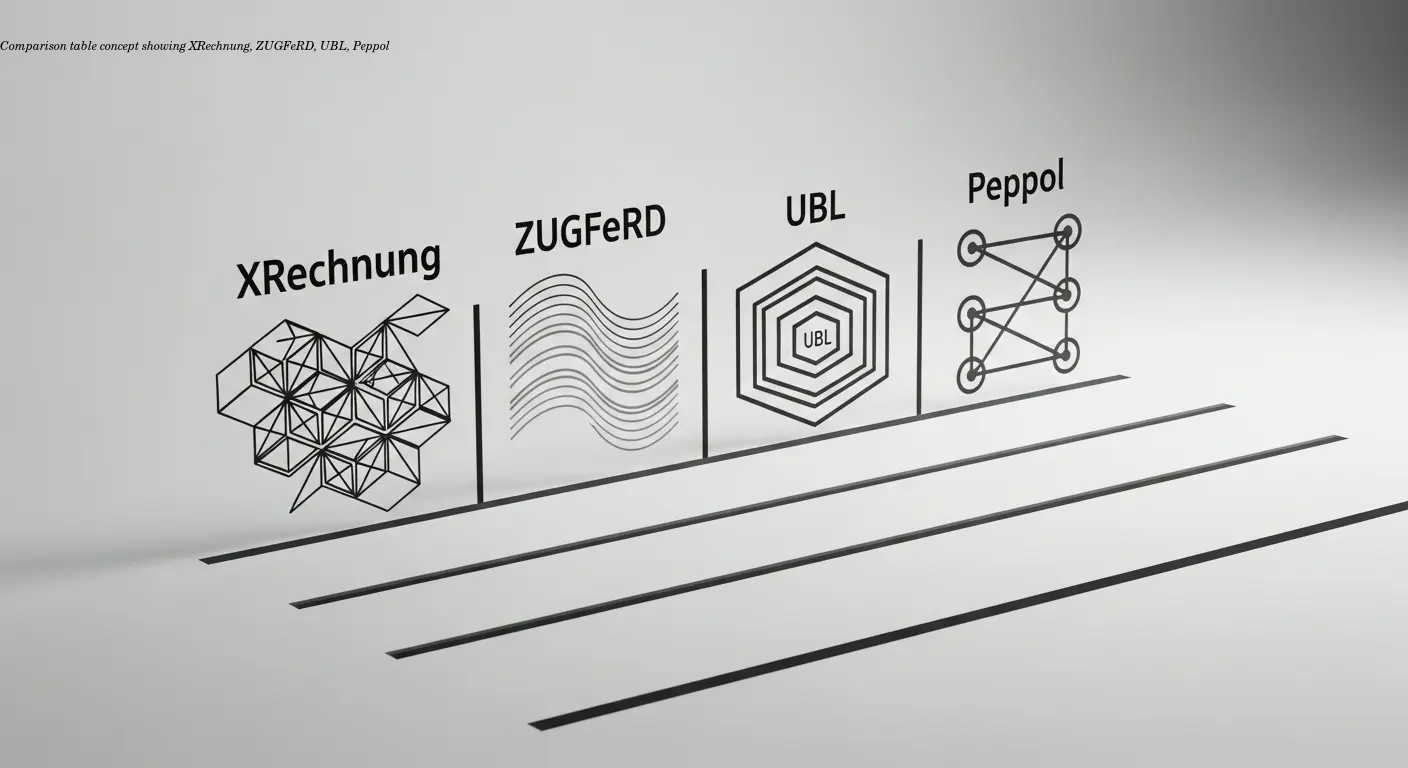
The European e-invoicing ecosystem includes several standards. Large finance departments should be familiar with the most relevant formats:
XRechnung
XRechnung is Germany’s official e-invoice standard for public procurement and, from January 2025, required for most B2B transactions in Germany as well. It is an XML format based on EN 16931. If you operate in Germany, XRechnung capability is mandatory.
ZUGFeRD
ZUGFeRD is a hybrid PDF+XML format that keeps a human-readable PDF while embedding structured XML for automated processing. It’s widely adopted in Germany and supports EN 16931 compliance in versions 2.0+.
UBL & Peppol
UBL (Universal Business Language) is an international XML standard maintained by OASIS, commonly used across Europe. Peppol is a network for exchanging e-invoices using standards like UBL or Peppol BIS — think of Peppol as the postal system for electronic documents, enabling cross-border exchange.
Choose batch conversion tools that can output multiple formats from the same source data — this flexibility protects you as regulations and customer requirements evolve.
Why Batch Processing Beats Manual Entry Every Time
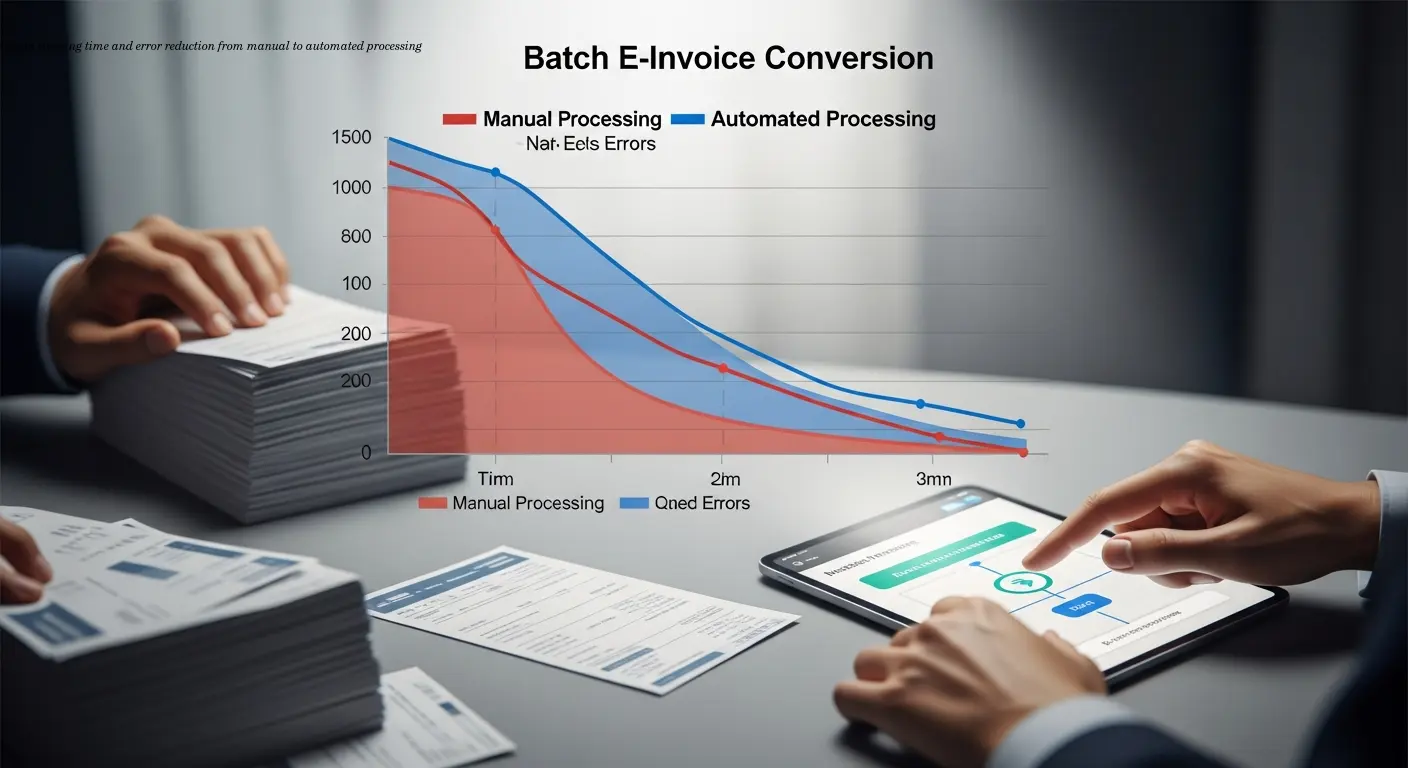
Time savings: an accounts payable clerk may process 20–30 PDFs/hour manually; batch conversion handles thousands in minutes, freeing staff for analytical work.
Error reduction: manual entry error rates of 3–5% fall to well below 0.1% with AI extraction, reducing payment delays and duplicate payments.
Compliance assurance: automated validation against XRechnung, UBL, or other formats prevents rejections and supports regulation adherence.
Scalability & cost: batch systems scale without linear increases in headcount. For departments processing thousands of invoices, the ROI is often realized within months.
Automation also improves staff satisfaction — reducing tedious data entry and enabling higher-value tasks.
Choosing the Right Batch Conversion Tools for Your Department
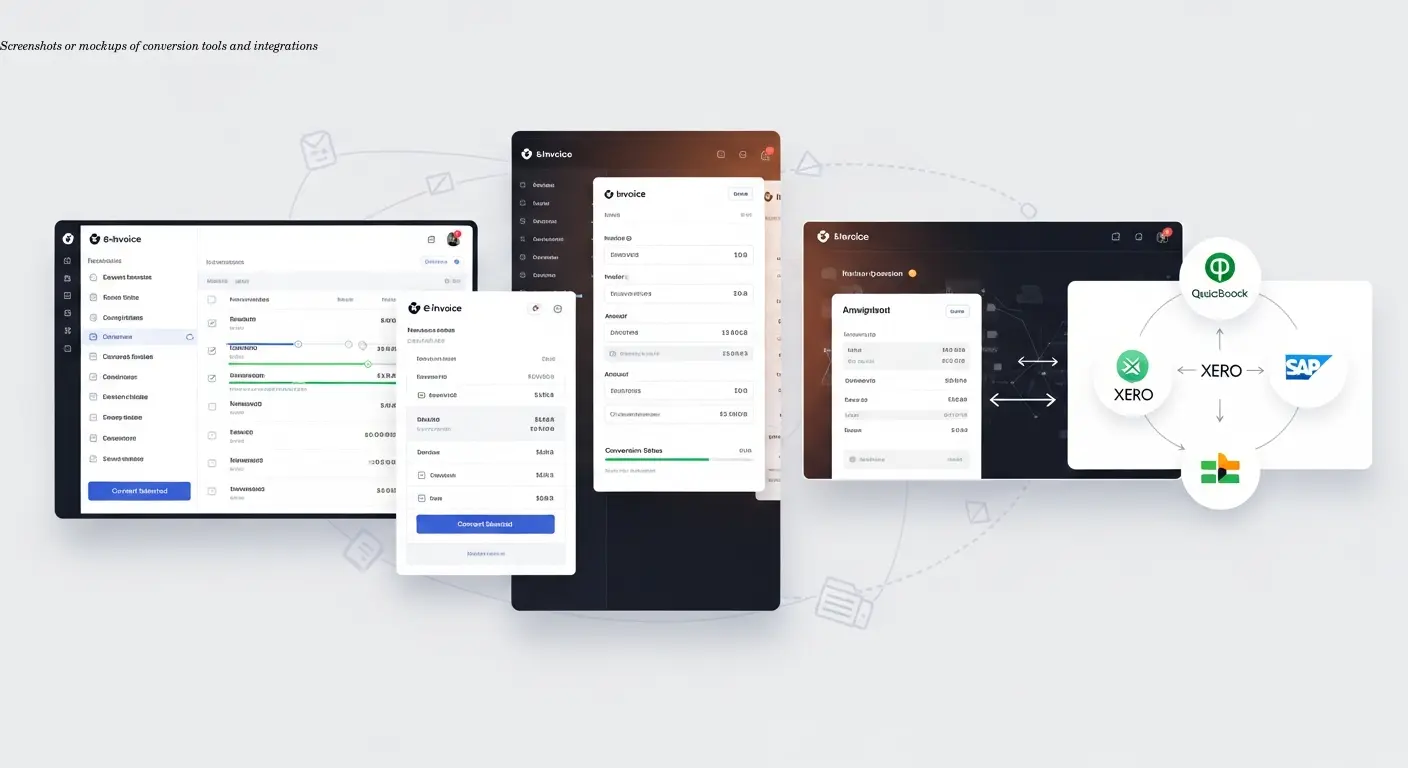
The vendor landscape is varied. Evaluate tools on extraction accuracy, format support, validation capabilities, integration options, and total cost of ownership. Examples include:
- VeryPDF Printer Capture Command Line — strong for converting printed and digital invoices to PDFs first; command-line and SDK/API options suit custom automation workflows.
- PDF2XML HubBroker — focuses on converting PDFs to XML and UBL with direct ERP/EDI integration; designed to minimize workflow disruption.
- Klippa DocHorizon — AI extraction and classification with fraud prevention, handling diverse international invoice formats and learning over time.
Evaluation advice: run a pilot with several hundred real invoices (including scanned and complex layouts), verify integration with your ERP, and validate format compliance (XRechnung, EN 16931, etc.).
Implementation Strategy for Large Finance Departments
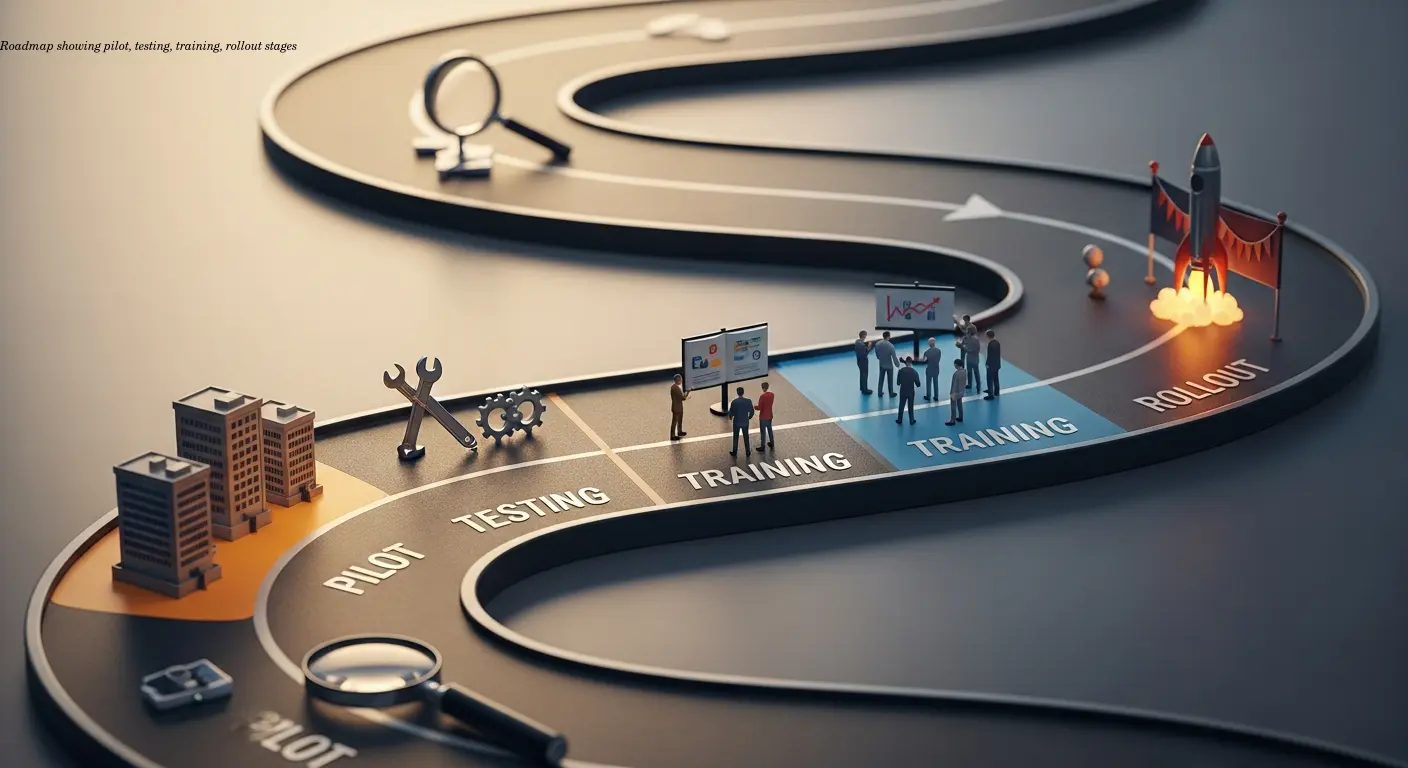
A successful rollout requires planning technical and human factors:
- Audit current workflows: volumes, formats, scanned vs. text-based, and supplier mix.
- Pilot selection: choose a representative subset of invoices to secure early wins without overwhelming the team.
- Testing: process hundreds of sample invoices and compare results against manual entry.
- Training & change management: emphasize that automation eliminates tedious tasks, not people; redeploy staff to exception handling and analysis.
- Validation checkpoints: maintain human review early on and tighten automation as confidence grows.
- Integration & exceptions: coordinate with IT for ERP integration and define clear exception handling workflows.
Compliance Considerations and Regulatory Requirements
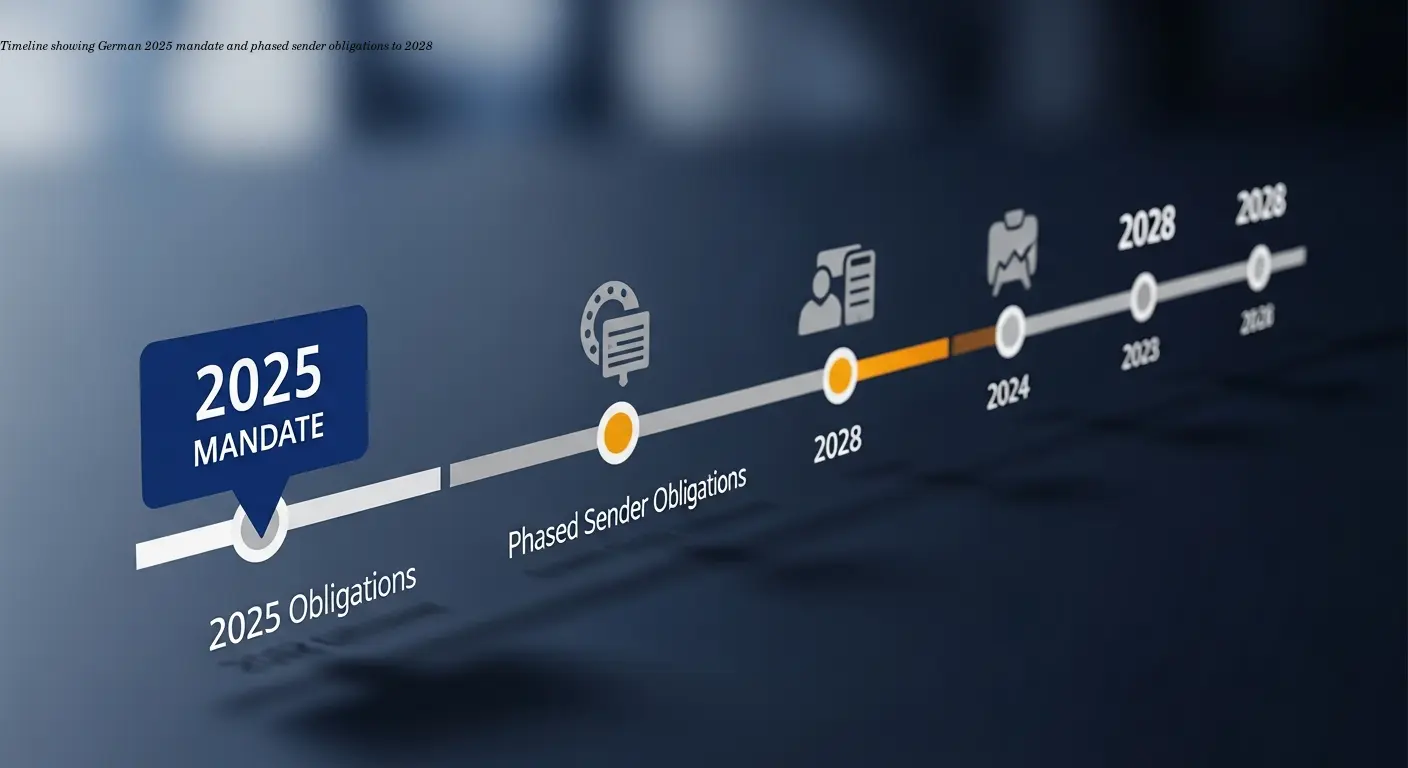
E-invoicing regulations across Europe are evolving fast. Key compliance points:
- Germany (2025): mandatory e-invoicing for most B2B transactions from January 1, 2025; structured, machine-readable formats (XRechnung or ZUGFeRD) required. Sending obligations phase in 2027–2028 by turnover criteria.
- EN 16931: the european standard many national formats map to — XRechnung, Peppol BIS, and compliant ZUGFeRD versions align with it.
- Archiving: retain structured e-invoice files (XML) for statutory retention periods (10 years in Germany) — do not rely on PDF-only archives.
- Tax accuracy: ensure VAT codes and tax calculations survive conversion; validation against tax authority requirements is essential.
Cross-border operations require flexible format support and awareness of national timelines. Choose tools that can adapt as country-specific mandates change.
Future-Proofing Your Invoice Processing Infrastructure
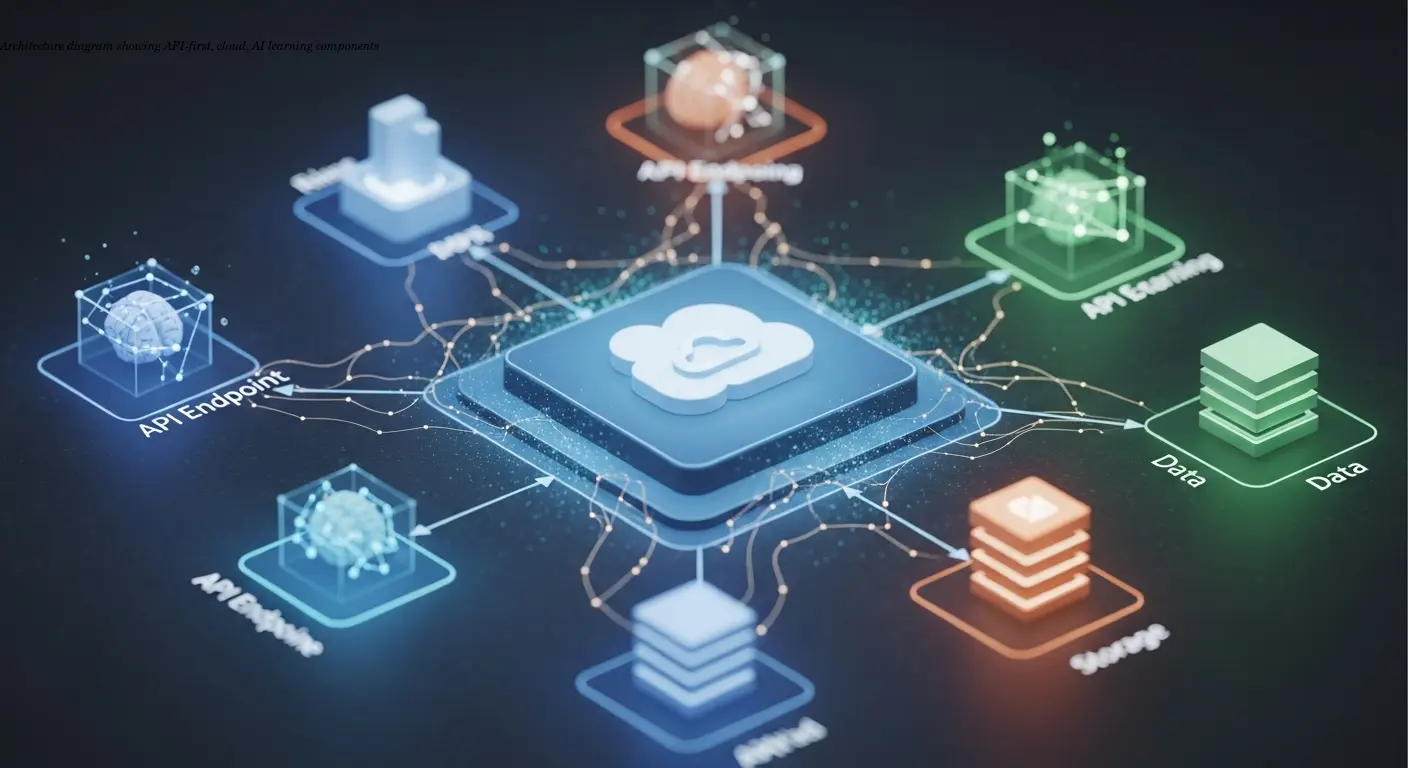
Build for change:
- Multi-format support: handle XRechnung, ZUGFeRD, UBL, and Peppol outputs to remain compliant across markets.
- API-first: robust APIs ease integration with current and future ERPs and systems during M&A or platform changes.
- AI & ML: choose systems that improve accuracy from corrections — month 12 accuracy should be meaningfully better than month 1.
- Cloud vs on-prem: cloud centralizes processing and updates, but validate data residency and industry constraints.
- CTC readiness: prepare for continuous transaction controls and near-real-time reporting where required.
Treat batch e-invoice conversion as a core component of a broader AP automation strategy that includes procurement, payments, and analytics.
Frequently Asked Questions
What is batch e-invoice conversion?
Batch e-invoice conversion is the automated process of transforming multiple PDF invoices into structured electronic formats like XML, UBL, or XRechnung in a single operation. Instead of converting invoices individually, finance departments can process hundreds or thousands at once, saving time and reducing errors.
How long does it take to convert invoices in batch?
Most modern batch conversion tools process thousands of invoices in minutes. The exact time depends on invoice complexity, whether documents are scanned or text-based, and your internet connection speed. A typical batch of 1,000 text-based PDF invoices might take 5-10 minutes to convert completely.
Will batch conversion work with scanned paper invoices?
Yes, quality batch conversion tools include OCR (optical character recognition) technology that extracts data from scanned documents. Accuracy is generally lower for scanned invoices compared to text-based PDFs, but modern AI-powered OCR achieves accuracy rates above 95% even with scanned documents.
What formats can batch conversion tools output?
The most common output formats are XRechnung (Germany's standard), ZUGFeRD (hybrid PDF/XML), UBL (international standard), and Peppol BIS (for the Peppol network). Quality tools support multiple output formats from the same source data, giving you flexibility for different customers or regulatory requirements.
How much does batch e-invoice conversion cost?
Pricing varies widely based on volume, features, and integration requirements. Some tools charge per invoice processed (typically €0.05-0.20 per invoice), while others use subscription models (€200-2,000+ monthly). For large finance departments processing thousands of invoices monthly, the payback period is typically under six months compared to manual processing costs.
Do we need to change our ERP system to use batch conversion?
No, batch conversion tools are designed to work with existing ERP systems. Most offer pre-built connectors for major ERP platforms or APIs for custom integration. The converted e-invoices are uploaded to your current system through these integrations.
What happens if the conversion makes an error?
Quality batch conversion tools include validation steps that flag potential errors before finalizing the conversion. Most platforms also allow human review of flagged invoices and learn from corrections to improve future accuracy. Exception handling processes should be part of your implementation plan.
Is batch conversion compliant with German 2025 B2B e-invoice mandates?
Yes, provided the tool outputs compliant formats like XRechnung or ZUGFeRD 2.0+. The German regulations require structured, machine-readable e-invoice formats. Simple PDF conversion doesn't meet this requirement, but batch tools that output proper XML-based formats do comply.
Can batch conversion handle invoices in different languages?
Yes, modern OCR and AI-powered extraction tools can process invoices in multiple languages. The structured e-invoice output uses standardized field names regardless of the source language, making multilingual invoice processing manageable for organizations with international suppliers.
How do we get started with batch e-invoice conversion?
Start by auditing your current invoice volume and formats. Then evaluate tools that match your needs, taking advantage of trial periods to test with real invoices. Begin with a pilot program on a subset of invoices before rolling out to full production. Many finance departments benefit from working with implementation partners who understand both the technical and process change aspects.
Related articles
Make X-Invoice Essential Guide for Finance Teams
Learn how to make x-invoice from PDF using AI/OCR tools, ensure EN 16931 compliance, and streamline finance and ERP workflows. Practical steps and expert tips.
About the author

Alexander Lutsyuk · Founder & Operator
Alexander Lutsyuk is the founder of Algoran and runs E-Rechn.de. He has worked for years in automation, digital content and SEO, currently as an on-page SEO adviser at SEO-Küche Internet Marketing GmbH & Co. KG. With E-Rechn.de he combines hands-on automation expertise with the practical demands of the EU e-invoicing mandate: XRechnung, ZUGFeRD, Factur-X and EN 16931. He holds an M.Sc. from Humboldt University of Berlin and is a BVDW-certified specialist.
Education: Humboldt-Universität zu Berlin
BVDW-certified specialist